
A 60-minute spoken-word episode is often around 28 MB at 64 kbps, 42 MB at 96 kbps, or 56 MB at 128 kbps before app overhead. The exact size comes from the publisher's audio file.
Free podcast calculator
Podcast download storage calculator
Estimate how much phone storage offline podcast downloads need before a trip, commute, or low-signal week. Adjust episode count, length, and audio quality to plan a practical queue.
7.3 GBTotal space for saved episodes
18 hOffline listening time at 1x
3.3Episodes per GB at this quality
Fits 64 GBPractical phone storage check
Downloads in The Podcast App are available with free limits; Premium expands offline listening. Device storage and publisher file sizes still matter.
Quality comparison for this queue
| Bitrate | Estimated size | Best for |
|---|
Take it offline
Build a practical download queue
Use the estimate to save the right number of episodes before travel, then manage offline listening inside the app.
Rules of thumb
Quick podcast storage estimates
Use these as planning numbers when you do not know the exact file size from the publisher.
| Episode length | 64 kbps | 96 kbps | 128 kbps |
|---|---|---|---|
| 30 minutes | 14 MB | 21 MB | 28 MB |
| 45 minutes | 21 MB | 32 MB | 42 MB |
| 60 minutes | 28 MB | 42 MB | 56 MB |
| 90 minutes | 42 MB | 63 MB | 84 MB |
More free tools
Plan, move, and manage podcasts
Episode Speed Calculator
Estimate listening time saved at 1.2x, 1.5x, 2x, and faster speeds.
OPML Viewer & Editor
Inspect and clean a podcast subscription list before switching apps.
OPML Generator
Build a portable subscription file and import it into a podcast app.
The Real Math Behind Podcast File Sizes
Audio file size comes down to one fairly simple relationship: bitrate multiplied by duration, then divided by eight to convert bits into bytes, gives you the raw audio size in kilobytes for any given episode. A 60-minute episode encoded at 64 kbps works out to roughly 28 MB; the same episode encoded at 128 kbps instead is roughly double that figure, around 56 MB, because doubling the bitrate roughly doubles the amount of data used to represent each second of audio throughout the file.
Publishers choose a bitrate based mainly on their content type rather than pure convenience or habit. Spoken-word shows -- interviews, narration, most talk-focused podcasts -- compress well at lower bitrates like 64 or 96 kbps without any real noticeable quality loss to a typical listener, since speech simply has less acoustic complexity than music does. Shows built around music beds, layered sound design, or genuinely musical content generally publish at 128 kbps or higher specifically to avoid audible compression artifacts, which is exactly why file sizes vary more between different shows than most listeners initially expect.
On top of the raw audio itself, embedded cover art and metadata add a small amount of overhead on every file -- typically just a few percent for lean, simple feeds, but noticeably more for shows that embed high-resolution artwork or per-chapter images directly inside the audio file rather than linking to them externally. That overhead is exactly what the calculator's percentage setting is accounting for on top of the base bitrate math described above.
For actually managing phone storage day to day, the more effective habit generally isn't picking a lower bitrate across your podcast subscriptions -- it's downloading only the next few queued episodes rather than an entire back catalog at once, and letting finished episodes clear automatically once you're done with them. The Podcast App supports offline listening with free limits built in, with Premium expanding how much you can keep downloaded simultaneously for heavier travel, commuting, or low-signal use.
Treat the estimate as a planning tool, not a hard limit. Real files vary with the publisher's chosen bitrate, whether a show ships in mono or stereo, and how much dynamic-range compression the audio uses, so a talk-heavy show at 64 kbps mono will land well under a music-rich show at 256 kbps stereo of the same length. If you download on a fixed-capacity phone, the practical habit is to keep a rolling window of upcoming episodes and let finished ones auto-clear, rather than hoarding a back catalogue that quietly fills the device.
Further reading
Sources and further reading
- Edison ResearchLeading US audio/podcast audience research firm
- PodnewsDaily global podcast-industry news of record
- The Podcast Academy (The Ambies)Membership body behind the Ambies awards
- Podcast IndexOpen, independent podcast index and API
- Apple PodcastsApple's official podcasts app/platform homepage
- SpotifySpotify homepage (podcasts + music listening)
- Pocket CastsCross-platform podcast player (Automattic)
- Listen NotesPodcast search engine and API
- Pocket Casts SupportHelp articles for the Pocket Casts app
In your language
The Podcast App, running in this language.
These are real screens from the app, not mockups. Every menu, button, and label is translated, so the app looks like this as soon as you install it.
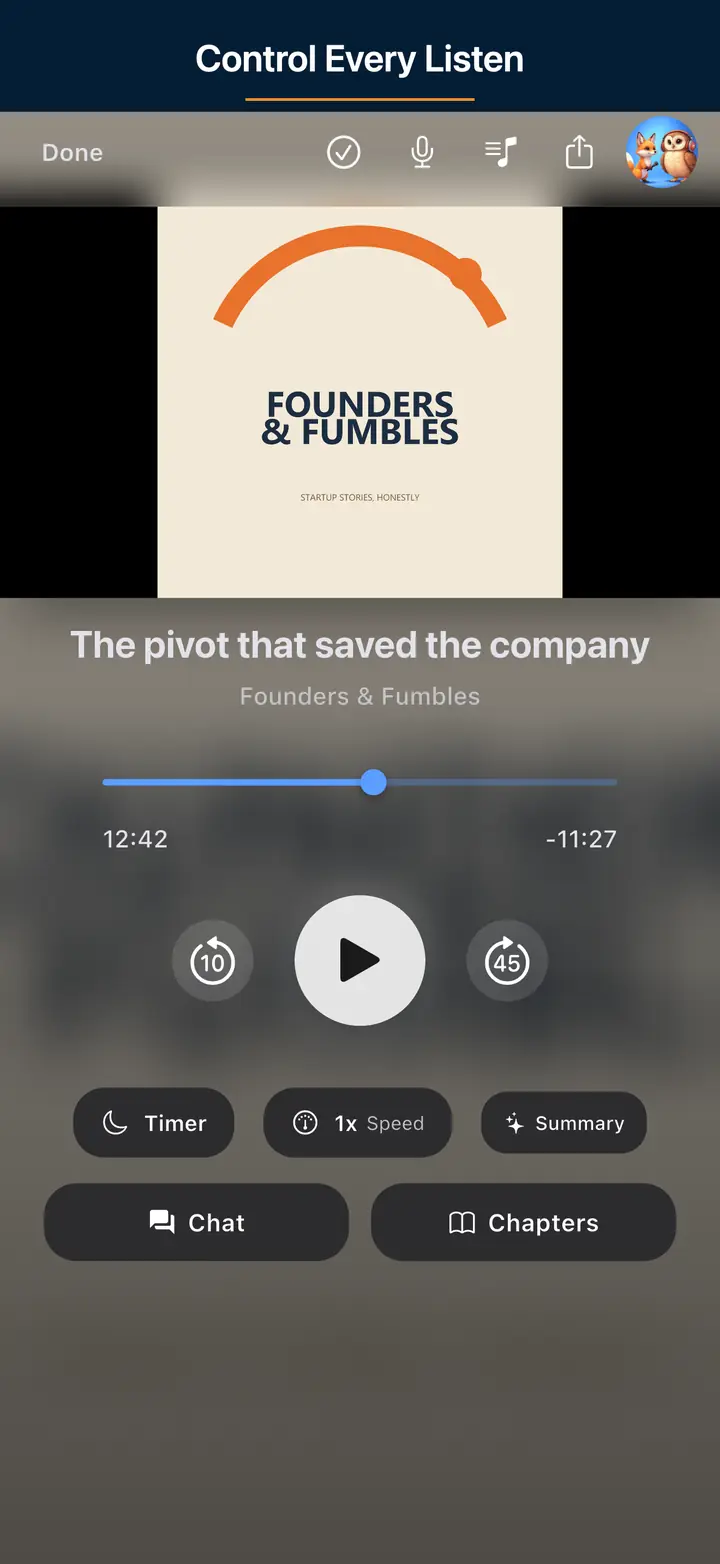
The audio player screen 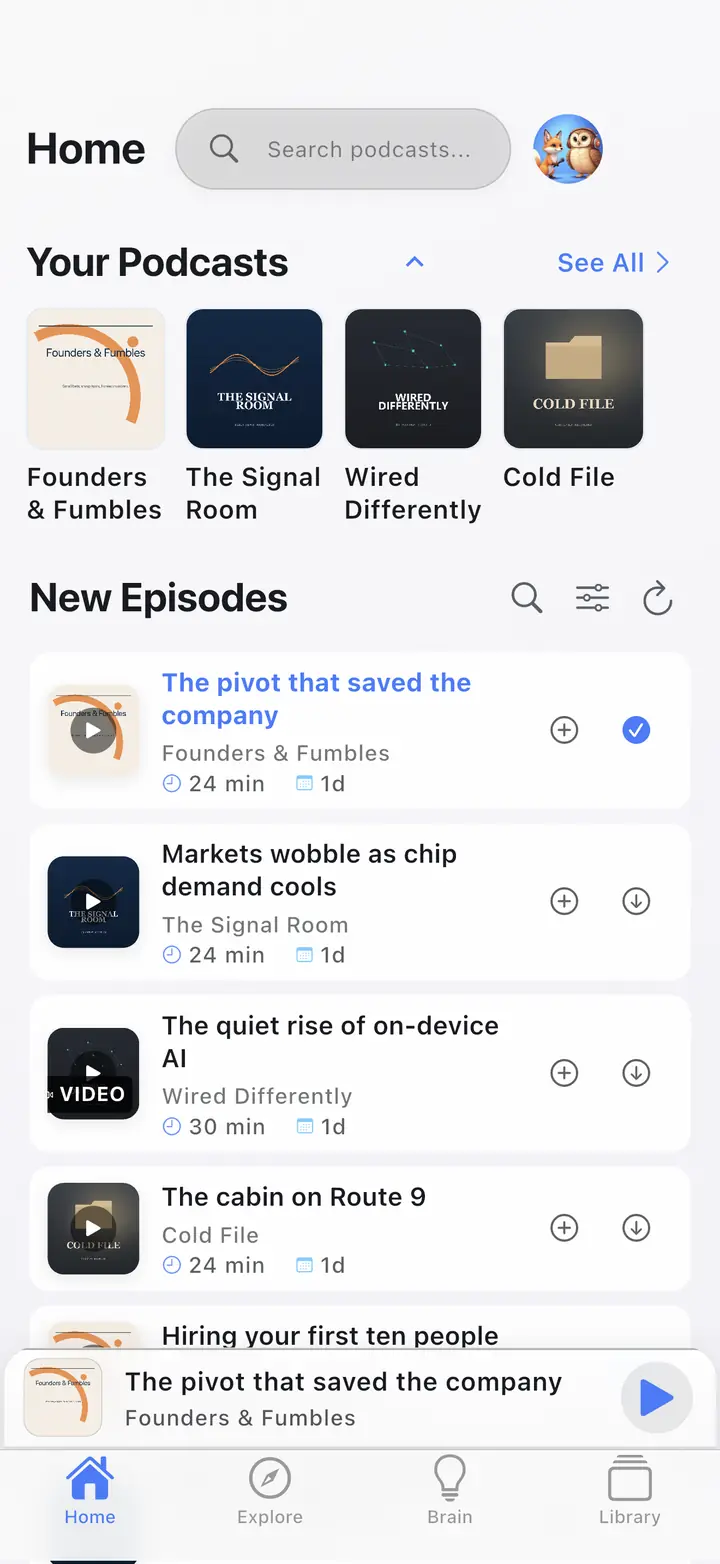
The home screen 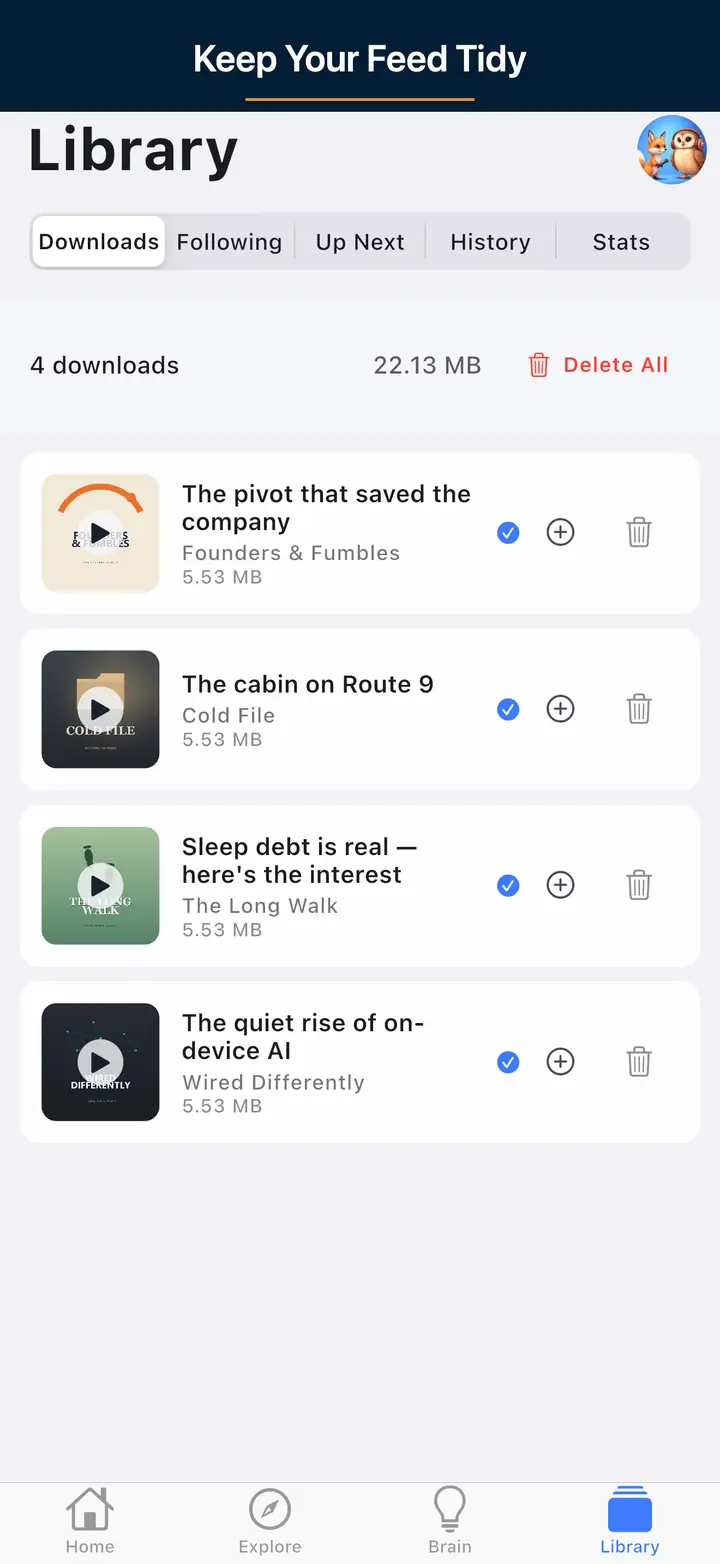
The downloaded episodes screen 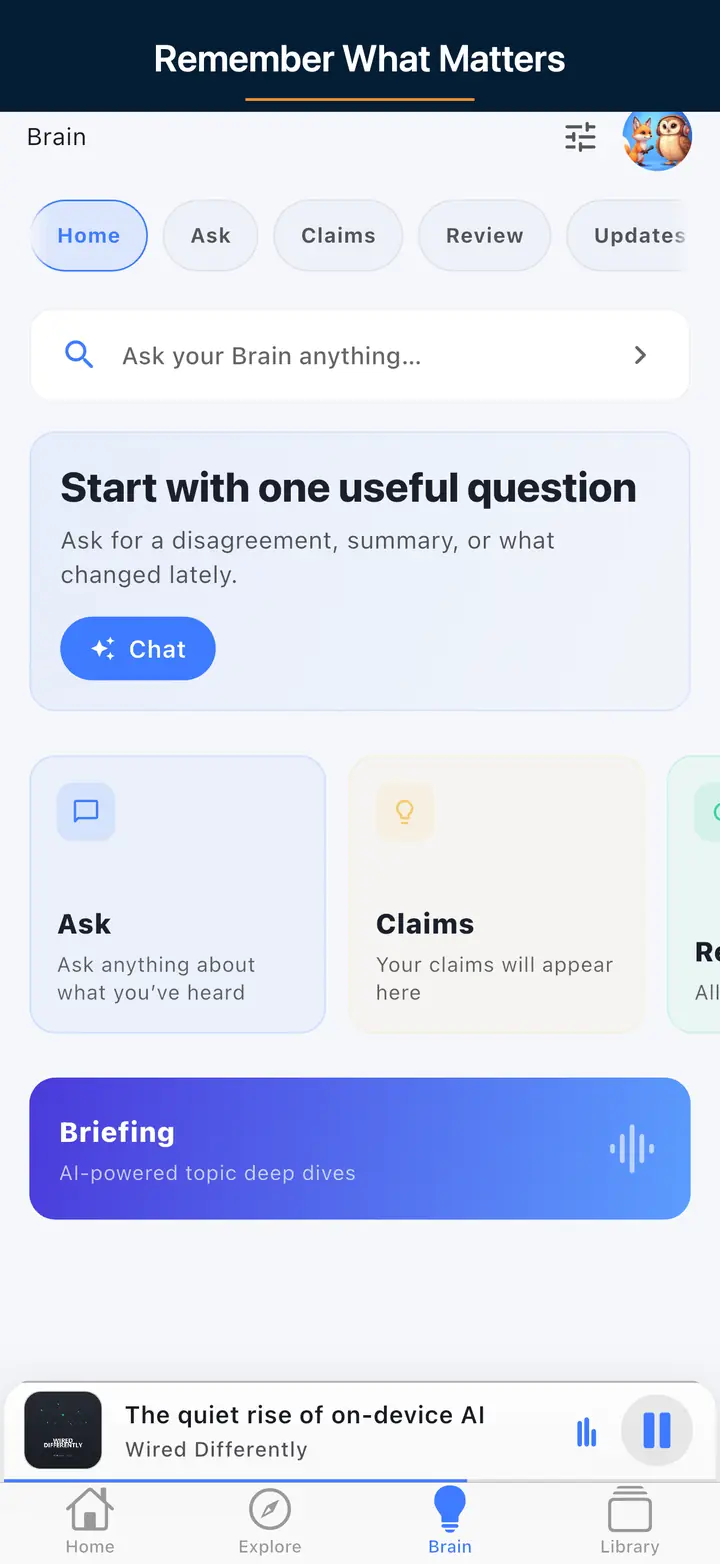
The AI assistant screen
FAQ
Podcast download storage questions
No. Playback speed changes listening time, not the downloaded audio file size.
The Podcast App supports offline listening with free limits, and Premium expands offline listening. It is still better to keep a practical queue so your phone storage stays healthy.
Ready for offline listening?
Download The Podcast App free
Save a practical queue, listen with variable speed, and use optional Premium AI features when you want more context.