
Free OPML import
No account required. Premium is not required to import or download offline.
Export an OPML file from your current app, import it in The Podcast App under Settings → Manage Subscriptions → Import Subscriptions, then verify niche feeds before you re-download commute episodes on Wi-Fi. OPML moves your public RSS subscriptions; it does not copy downloads, playback position, queues, or playlists.
| Piece | Moves with OPML | Rebuild in the new app |
|---|---|---|
| Show subscriptions | Yes — public RSS feeds | — |
| Play position / playlists | Usually no | Yes — app-local |
| Offline downloads | No | Download again on Wi‑Fi (unlimited offline is free here) |
| Premium / Brain | No | Optional — Premium is Podcast Brain, not a download unlock |
First-party paths — not a generic “easy import” claim. If a row fails on your device, this page is wrong for you.
| Check | In-app path | Named outcome |
|---|---|---|
| Import signed-out | Settings → Manage Subscriptions → Import Subscriptions → Select file / Browse files | Public RSS subscriptions land with no account and no Premium gate |
| Empty Home CTA | Import on empty Home → same sheet (/settings?focus=import) |
Same import flow as Settings — one sheet, not a second product |
| What OPML moves | After import, open library | Show subscriptions (title + public xmlUrl). New subs start with auto-download off |
| What OPML does not move | — | Downloads, play position, queue, playlists/stations, Podcast Brain data, listen history |
| Offline after switch | Download on Wi‑Fi in The Podcast App | Unlimited offline downloads on free — Premium is Podcast Brain, not a download unlock |
| Spotify | — | No first-party Spotify OPML/RSS export. Export from Overcast/Pocket Casts/Castro/AntennaPod if you used one alongside, or add shows/RSS in-app — not a silent full Spotify migrate |


No account required. Premium is not required to import or download offline.
OPML carries title + xmlUrl. Downloads, position, queues, and playlists stay behind.
The player does not insert its own ads. Host-read episode ads may still play.
The import path, what the parser accepts, and what it refuses — read from the shipping importer, not from a competitor’s help page.
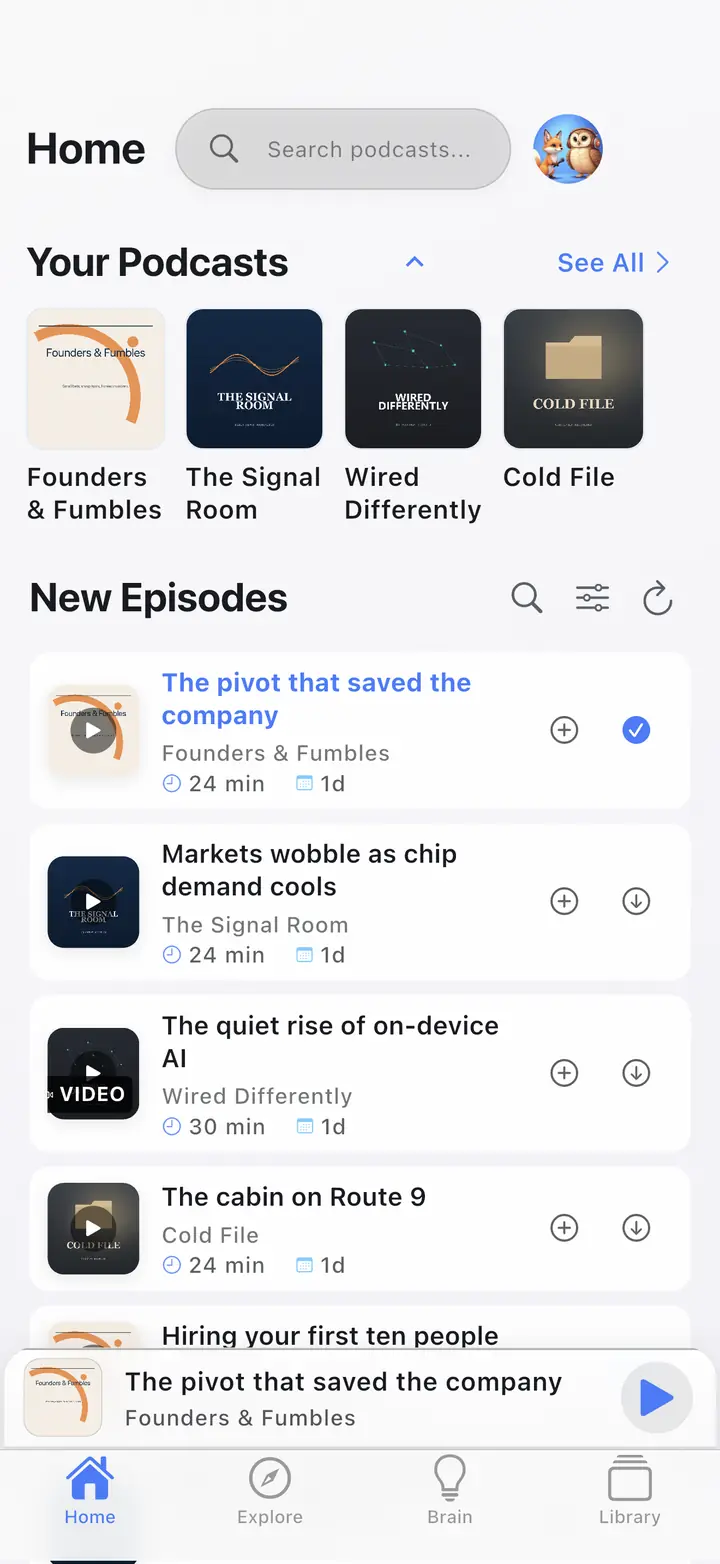
| What we checked | What we found | Check it yourself |
|---|---|---|
| Import entry points | Settings → Manage Subscriptions → Import Subscriptions, and the Import button on an empty Home, open the same sheet. It works signed-out and shows no Premium prompt. | Fresh install, skip sign-in, open Settings. |
| What the parser accepts | Standard OPML 2.0 outlines carrying an xmlUrl (or type="rss"). Nested folders are walked, so a grouped export from Overcast or Pocket Casts flattens into one subscription list instead of importing the folder as a show. | Import a foldered OPML; the count matches feeds, not folders. |
| What it refuses | Feeds whose URL is not absolute http/https, or that point at localhost or a private-network range, are skipped and counted in the import summary as invalid — never silently added. | Add a file:// or 192.168.x.x line to a test OPML; it shows up as skipped. |
| What does not travel | OPML carries title plus feed URL. Play position, downloads, queue, playlists and history are not in the file — from any app, not only ours. | Open your export in a text editor. |
| Leaving again | Export writes standard OPML 2.0 from the same Manage Subscriptions screen, so the list you brought in can leave the same way. | Settings → Manage Subscriptions → Export Subscriptions. |
How this page was produced: Written by the operator from the app’s OPML importer source — the accept/refuse rules above are the code’s own checks — and re-read on September 11, 2026. Vendor export paths are linked in Sources, not paraphrased from listicles. The screenshot is from our store-listing capture corpus.
Usually under a few minutes for a typical library; large libraries can take longer while feeds refresh.
Grab an OPML file from Apple Podcasts, Pocket Casts, Overcast, AntennaPod, or another app that supports export. Need a file first? Use the OPML generator.
Open Settings → Manage Subscriptions → Import Subscriptions. If Home is empty, the Import CTA opens the same sheet. Confirm the feed count after the file lands.
Check niche feeds before you re-download commute episodes on Wi-Fi. Auto-download starts off, so the library does not fill cellular storage on arrival. Then use the offline Wi-Fi path or the player.
OPML is a public RSS subscription list. It is not a full library backup.
Your public RSS list: each outline’s title and xmlUrl. That is the subscription set you can rebuild in one import.
Downloads, playback position, queues, playlists, Brain data, and history stay in the old app. Rebuild those only if you still want them.
Invalid URLs and private-network URLs are rejected. OPML does not transfer credentials, tokens, or login-gated feeds.
The same list format works in reverse. See OPML export when you want a portable copy of follows.
Most people are leaving one specific app. Export there, import here, then verify niche feeds. Score the grid on compare podcast apps first if you have not picked a destination. The free podcast app stays usable without Premium.
On Mac, use File → Library → Export Playlist / OPML (wording varies by macOS). iOS does not always expose a one-tap OPML export — use a Mac pass-through or a third-party exporter, then move the file to your phone.
Settings → export OPML / export subscriptions, then share the file into Import Subscriptions.
Sign in at overcast.fm/account and use Export Your Data, then import the file. Older in-app Settings → Export OPML labels may still appear on some builds. The Podcast App also runs on Android, which Overcast does not.
Settings → export OPML / export subscriptions, then import the file the same way.
Spotify has no first-party OPML export of shows. Workarounds only: keep a text list or screenshots of follows, then search those titles after you import everything else. That is a Spotify limit, not an import bug.
Start with the free player. OPML import and unlimited offline downloads are available without Premium. The player has no app-inserted ads; see the free no-app-ads player.
Empty or wrong art usually means the feed has not refreshed yet, or the xmlUrl pointed at a thin or redirected source. Wait for the refresh, or re-add that show from search.
Duplicates appear when the same show is listed twice in the OPML, or when a feed URL and its redirect both imported. Unsubscribe the extra copy.
Still stuck? Contact support.
Private-network and invalid URLs are rejected. Credential-gated feeds must be re-added by hand.
Free OPML import. No account to start. Unlimited offline downloads on free. No app-inserted ads in the player.
These are real screens from the app, not mockups. Every menu, button, and label is translated, so the app looks like this as soon as you install it.
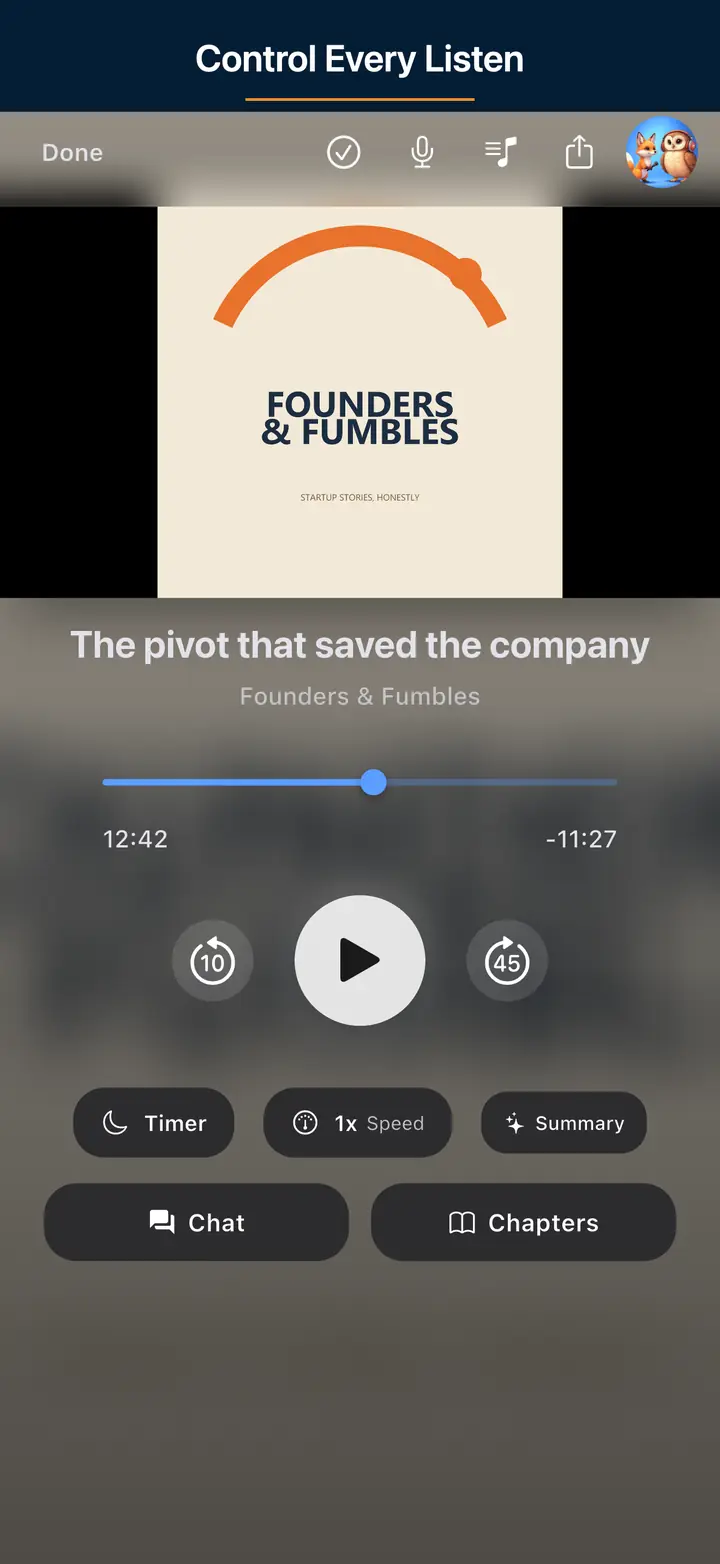
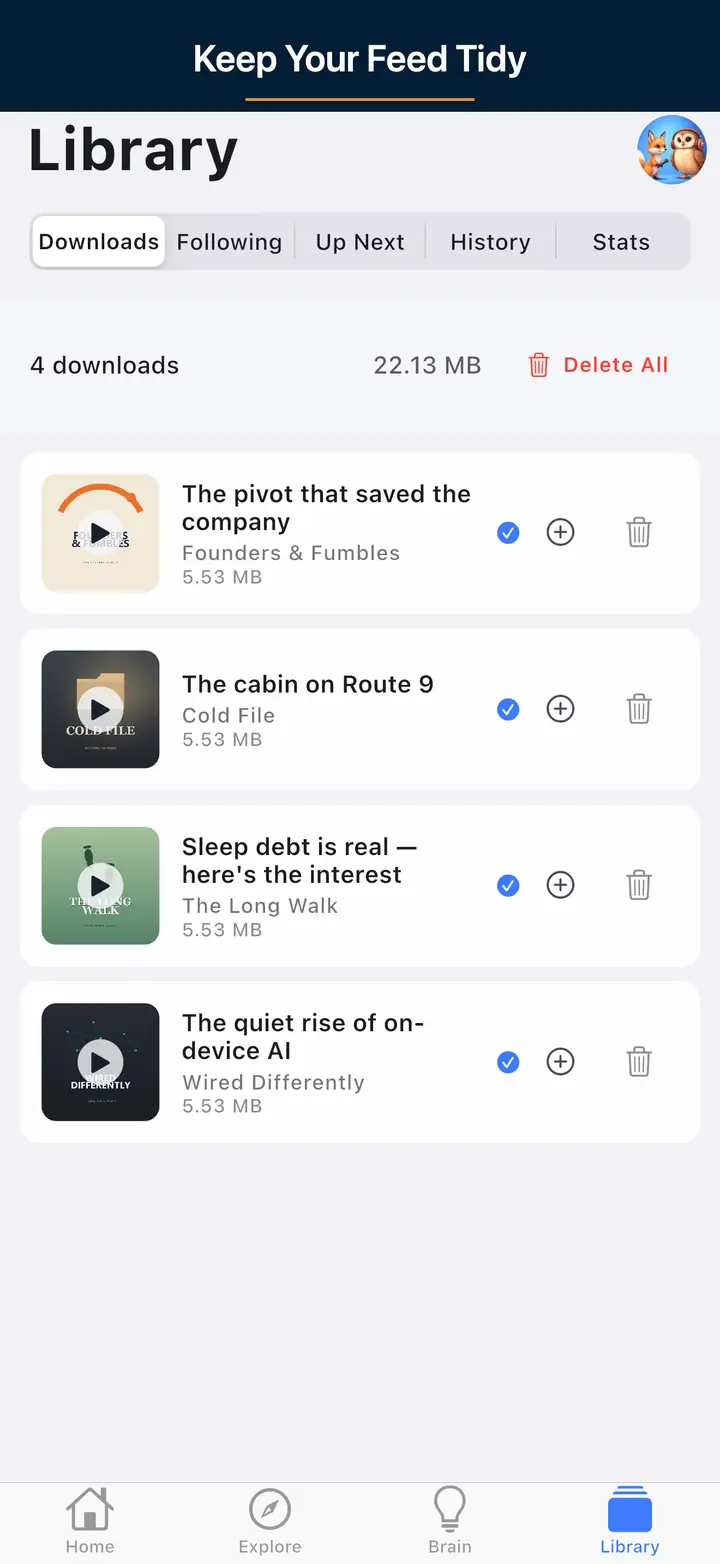
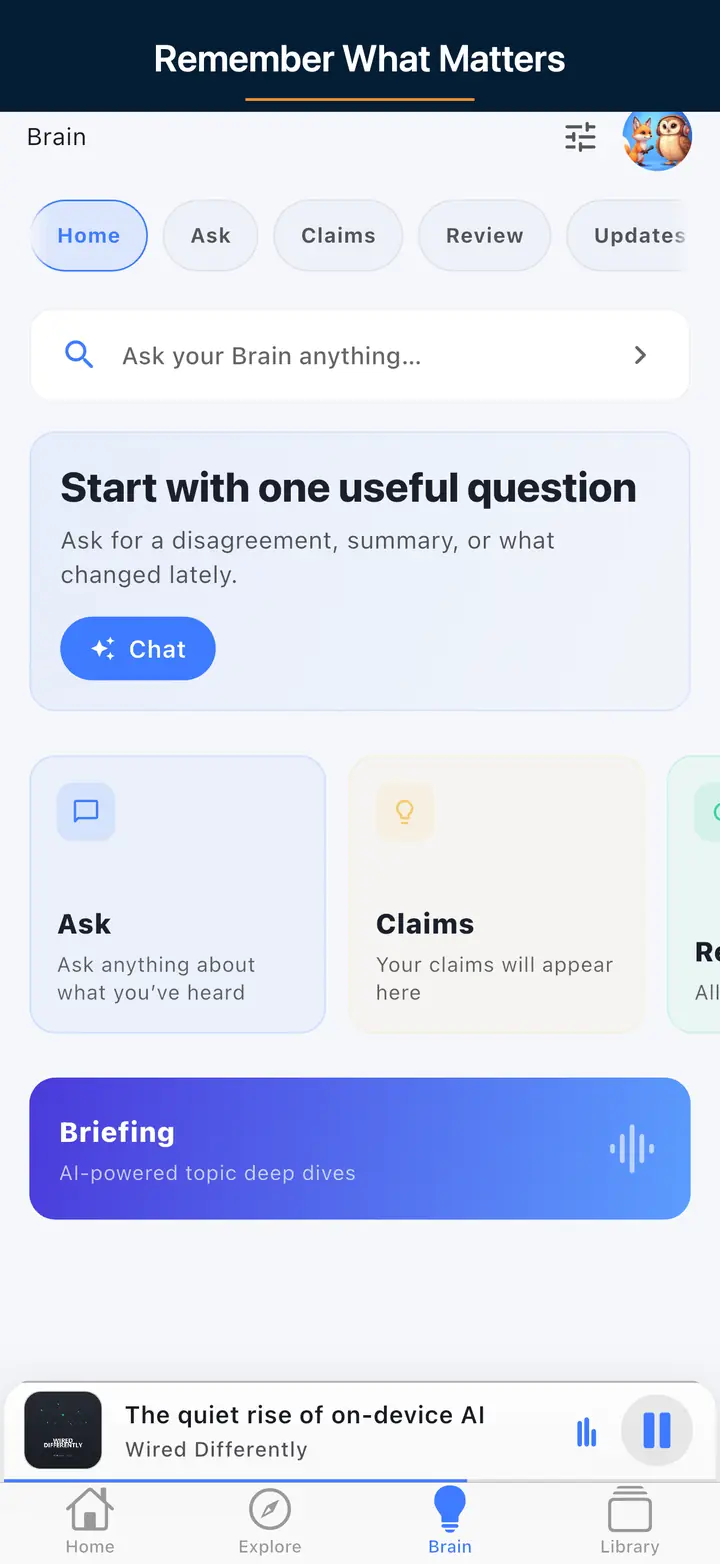
Live product pages only.
Bring your subscriptions with OPML, then download on Wi-Fi. Unlimited offline on the free core.