Podcast Aura
Discover your listening personality. Aura analyzes your podcast habits and surfaces patterns across genres, topics, and listening times — giving you a visual snapshot of who you are as a listener.
We ship weekly. Here's what's changed recently in The Podcast App.
Discover your listening personality. Aura analyzes your podcast habits and surfaces patterns across genres, topics, and listening times — giving you a visual snapshot of who you are as a listener.
AI-generated podcast summaries that distill your subscriptions into short, listenable recaps. Stay current on eligible shows without falling behind.
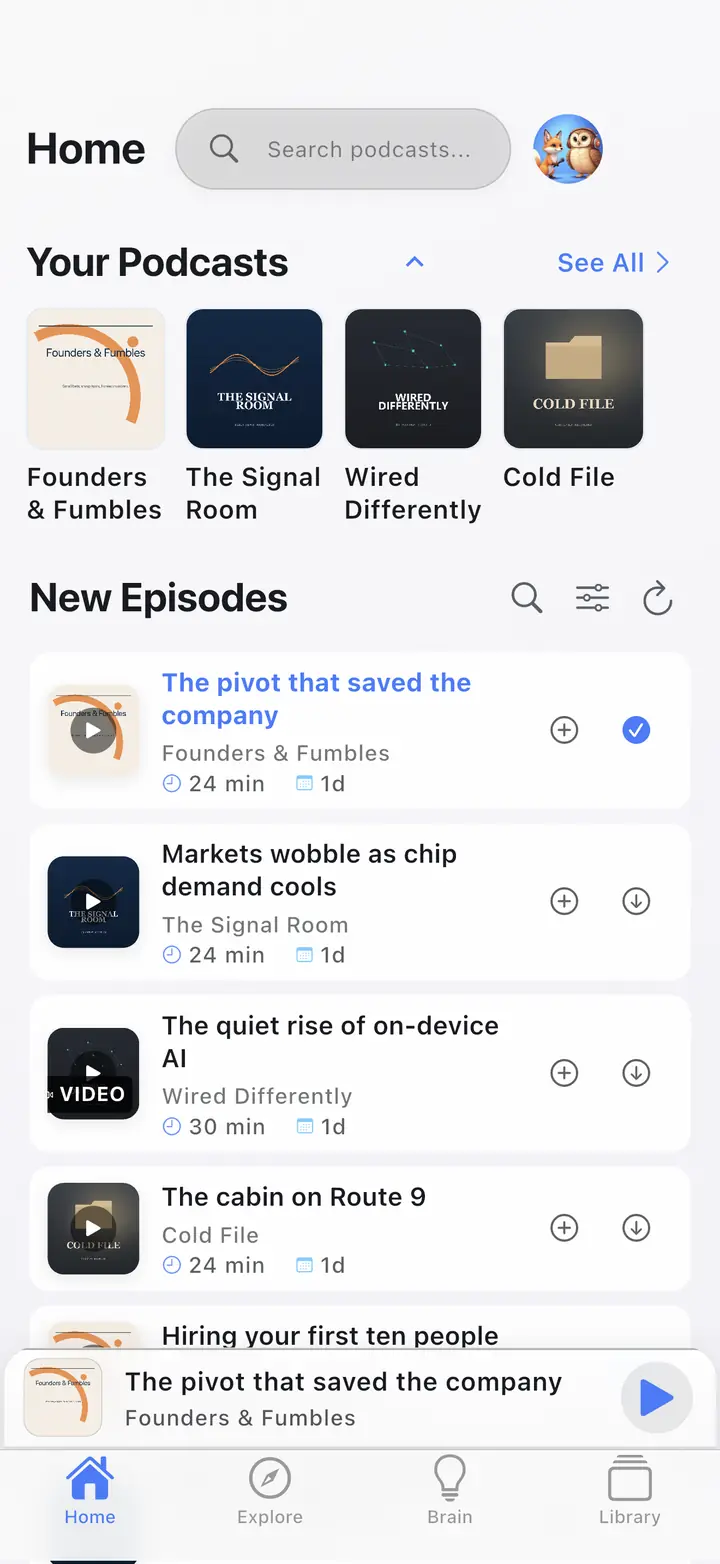
Watch video podcasts with picture-in-picture. Switch between audio and video seamlessly without losing your place. Works on both iOS and Android.
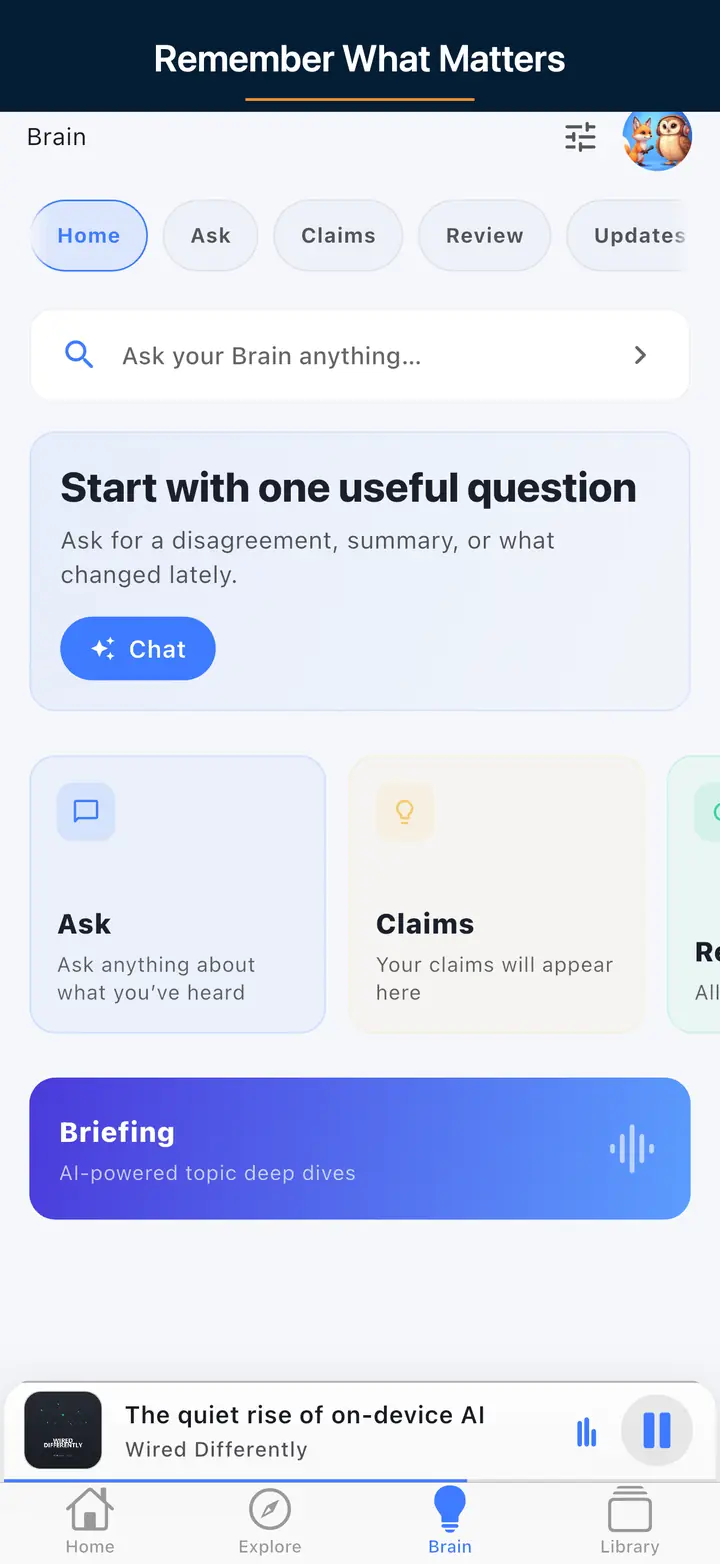
Ask questions about your listening history. Brain searches eligible transcript-backed moments from your listening history, gives you source-grounded answers, and links back to the exact moment in the episode.
Full car integration on both platforms. Browse your library, manage the queue, and control playback directly from your vehicle's dashboard.
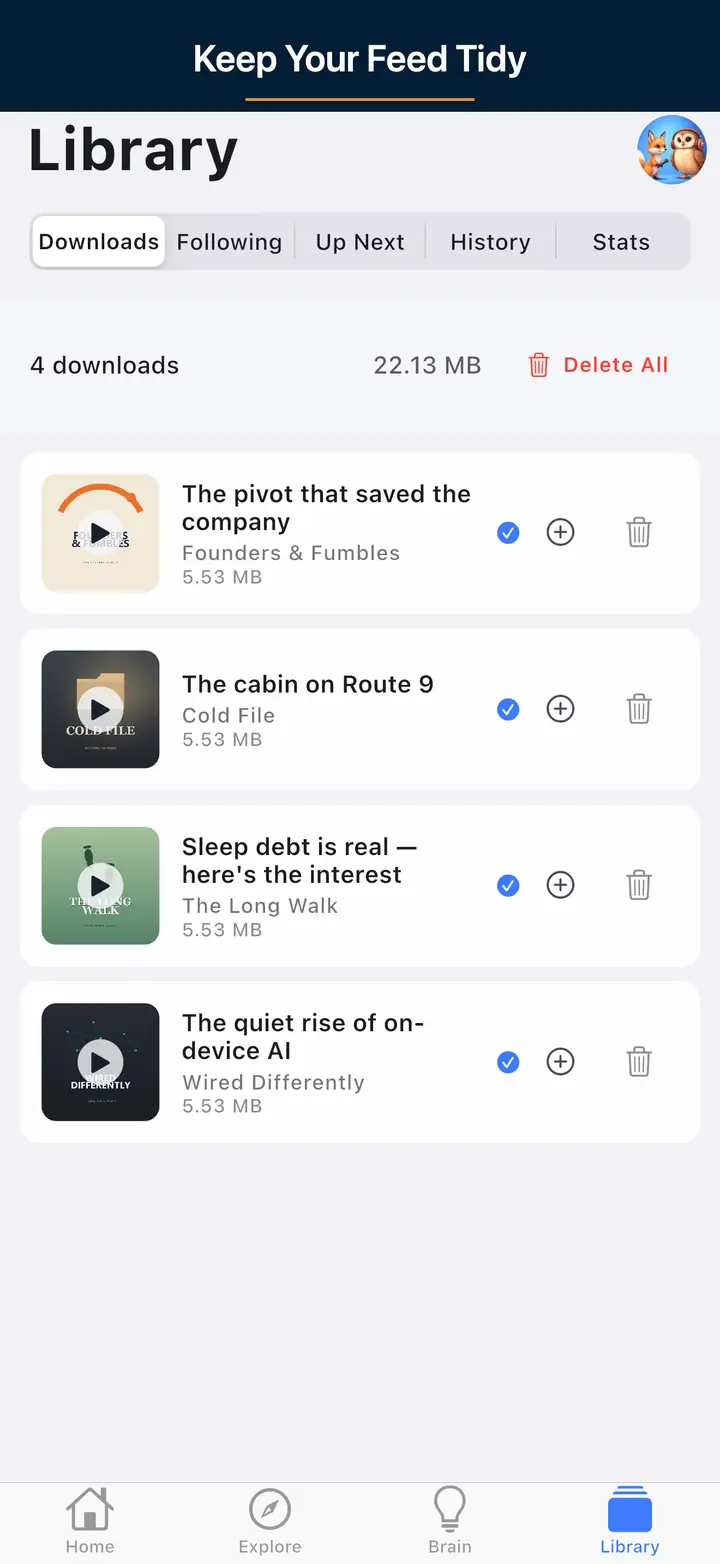
Download episodes for offline listening. Smart storage management automatically cleans up finished episodes and lets you set per-podcast download limits.
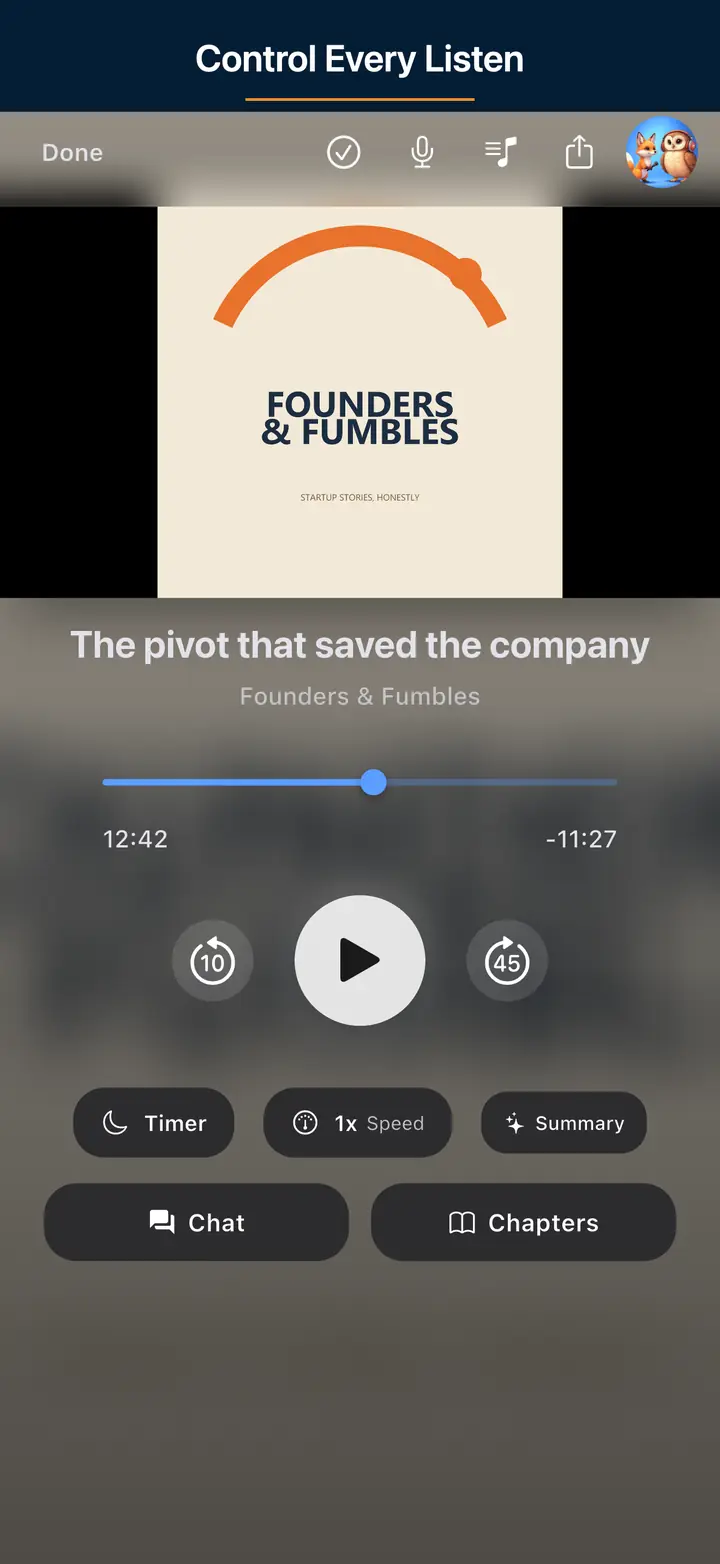
Set a timer and fall asleep to your podcast. Playback fades out gently so you don't lose your place. Choose from preset durations or set a custom time.
Jump between chapters in supported podcasts. See chapter titles, timestamps, and artwork. Skip directly to the section you care about.
Sign in to sync your subscriptions, queue, and playback progress across all your devices. Start an episode on your phone, finish it on your tablet. Optional — the app works fully offline without an account.
Listen at your own pace. Fine-grained speed controls from 0.5x to 3.0x with per-podcast speed memory so each show plays back exactly how you prefer.
Automatically skip dead air and long pauses. Save time on every episode without changing the playback speed or missing any content.
A free core podcast player with no app-inserted ads for iOS and Android. Built for listeners who want a clean, distraction-free experience without paying for basic features. Subscribe, queue, download, and listen — no account required.
Publishing a changelog is a small act of transparency that costs us nothing to fake and everything to skip. Anyone can claim an app is constantly improving; a changelog is the receipts. Every entry here is a real, shipped change, grouped by the month it went out, not a marketing wishlist or a roadmap of things we hope to build someday. That distinction matters because trust in a small independent app is built entry by entry: if the changelog says a feature landed, you should be able to open the app and find it, not just find another promise.
Shipping roughly weekly instead of in occasional large releases has a practical upside for you: bug fixes and small quality-of-life improvements reach your device in days, not months, and a feature request that gets picked up does not sit in a backlog for a year before you see it. It also means the changelog itself stays a genuine reflection of active, ongoing work rather than a page that goes quiet for long stretches and then dumps a dozen unrelated changes on you at once.
When you read an entry, look for what actually changed in behavior, not just the feature name: whether it is a new capability you can start using immediately, a refinement to something you already rely on, or a fix for a specific reliability issue. Entries are grouped by month so you can scan back to whichever release cycle you last paid attention to and see everything you missed since, rather than hunting through app-store release notes that often get overwritten the moment the next version ships.
The changelog is also where feedback loops back into visible results. If you request a feature or report a bug through the Support page, the fastest way to see whether it landed is to check here after an update - a fix or addition you asked for shows up the same way any other change does, described plainly rather than buried in generic performance-improvements language. That loop, from request to visible entry, is the point of keeping the changelog honest rather than promotional.
The team ships improvements roughly weekly, mixing new features with reliability and performance fixes. The changelog groups the most notable additions by month so you can see what landed recently, from Podcast Aura and Synthesis Radio to CarPlay, offline downloads, and Brain AI. Keeping the app set to auto-update means you receive each release as soon as it reaches your platform's store.
Recent highlights include Podcast Aura, which surfaces your listening personality from your habits, and Synthesis Radio, which turns your subscriptions into short AI recaps of eligible shows. Earlier releases added video podcast support with picture-in-picture, Brain AI for asking questions about your listening history, CarPlay on iOS, and smart offline downloads. The changelog lists each with a short description.
Open the App Store or Google Play, search The Podcast App, and tap Update if one is available, or enable automatic app updates so new versions install on their own. Because features roll out through normal store releases, staying current is the only step needed. The changelog reflects what's live in the latest build, so compare it against your installed version if something looks missing.
Core listening stays free, including subscribing, queuing, offline downloads, speed controls, sleep timer, and chapters, with no app-inserted ads. Some AI-heavy additions like Brain answers and Synthesis Radio draw on eligible transcript-backed content and may fall under optional Premium. The changelog describes each feature so you can tell which are part of the free player and which are Premium enhancements.
Use the Support page linked in the app and site footer to send feedback, report a defect, or suggest something you'd like to see. Diagnostic details from crash reports also help the team prioritize fixes. Because releases ship frequently, a reported issue can often be addressed in an upcoming weekly update, which will then appear summarized in the changelog.
We ship improvements weekly. Update your app to get the newest features as soon as they land.