
Validate the public RSS feed
Open the RSS validator and paste your production podcast RSS URL. It fetches the feed server-side and checks RSS 2.0 structure plus common Apple Podcasts and Spotify expectations. Nothing is stored.
Three free utilities for makers and anyone moving a library: paste a feed into the RSS validator, check artwork size/format before directories cache a bad square, and build or prune an OPML file you can import into any player that accepts OPML. No login. Third-party recording/hosting links below are a directory, not The Podcast App products.
Smart Ad-Skip is a tap to the end of a marked segment on supported shows. The app does not insert ads. Host-read audio already in the file can still play. All features are free with usage caps (free daily transcripts and chats). $4.99/month lifts those caps only.
| Tool | Job |
|---|---|
| RSS validator | Check a feed before you subscribe |
| Cover art checker | Spot art issues that break clients |
| OPML generator | Build an export you can import elsewhere |
No login required. Use them whether or not you use our app.
Validate your podcast feed against Apple Podcasts, Spotify, and Podcasting 2.0 specs. Get actionable fixes for every issue.
Check your podcast artwork against Apple and Spotify size, format, and quality requirements.
Build a podcast subscription list from scratch, import an OPML file, and export a ready-to-import bundle for any podcast app.
Monthly data: how many podcasts go quiet, by genre — Apple-verified, with a free CSV.
From free open-source editors to professional remote recording platforms.
Free, open-source audio editor. The most popular free tool for podcast editing.
Free audio editor for Mac and iOS. Great starting point for Apple users.
AI-powered editor: edit audio by editing text. Includes transcription and filler-word removal.
Remote recording with local-quality audio and video capture for each participant.
Browser-based remote recording with separate audio tracks for each guest.
Professional podcast editor for spoken-word audio. Automatic leveling and voice profiling.
AI-powered audio enhancement from Adobe. Free "Enhance Speech" feature cleans up recordings.
Affordable professional DAW. Extremely customizable with a large podcast producer community.
Your host stores your audio files and generates the RSS feed that distributes your show everywhere.
Beginner-friendly hosting with excellent analytics and directory submission tools.
Professional hosting with unlimited shows on every plan. Private podcast support.
All-in-one hosting with built-in monetization, live streaming, and a podcast app.
One of the oldest and most reliable podcast hosts. Advanced distribution and monetization.
Simple hosting with a free tier. Includes AI transcription and a website builder.
Free hosting and distribution owned by Spotify. Easy setup, basic analytics.
Growth-focused hosting with advanced analytics, one-click distribution, and podcast websites.
WordPress-integrated hosting with private podcasting and YouTube republishing.
Submit your RSS feed to reach listeners wherever they listen.
The largest podcast directory. Required for discoverability.
Second-largest listening platform. Submit via Spotify for Podcasters.
Growing podcast platform. Submit through Amazon's podcast portal.
Google's podcast destination. RSS ingestion available via YouTube Studio.
Open podcast directory powering Podcasting 2.0 apps. Index your show for free.
Podcast search engine. Index your show for SEO and discovery.
Social podcast app with community ratings and recommendations.
Free player built on public RSS. Renders your chapters, transcripts, funding, people and podroll tags; inserts no ads of its own. Nothing to claim.
Your artwork is the first thing potential listeners see. Make it count.
Drag-and-drop design tool with podcast cover templates. Most popular choice for podcasters.
Quick design tool with templates, brand kits, and AI background removal.
Create audiogram videos and transcription clips for social media from your episodes.
Validate your artwork against Apple and Spotify requirements with the cover art checker before uploading your feed.
Cross-promotion, social sharing, SEO, and discoverability tools.
Podcast database and review platform. Claim your show and collect listener reviews.
AI-powered tool that turns long episodes into short viral clips for social media.
AI-powered platform matching podcast hosts with guests for cross-promotion.
Validate your RSS feed, directories metadata, and artwork URL before you promote a launch week.
From sponsorships to listener support, multiple ways to earn.
Marketplace connecting podcasters with brands for sponsorships. Open to shows of all sizes.
Podcast advertising marketplace. Connect with advertisers based on your audience.
Membership platform for listener-supported shows. Offer bonus content for paying subscribers.
Simple tip-jar style support from listeners. Lower friction than subscription platforms.
Add a <podcast:funding> tag to your RSS feed and compatible apps will display a "Support this show" link to your listeners. View the spec →
Understand who's listening, where, and how your show is growing.
Industry-standard podcast measurement. IAB-certified analytics.
Open-source, transparent podcast analytics prefix. Free and privacy-respecting.
Enterprise podcast platform for publishing, monetization, audience growth, and analytics at larger publisher scale.
An open standard extending podcast RSS with new features. Powered by Podcast Index and supported by a growing number of apps, including The Podcast App.
Time-stamped sections with titles, images, and links inside episodes for easy navigation.
Attach SRT/VTT transcript files to episodes for accessibility and search indexing.
Let listeners send payments directly to creators while listening, including via Bitcoin Lightning.
Real-time notification when you publish. Apps get your new episode instantly instead of polling.
Credit hosts and guests per episode so apps can display who's on the show.
Mark recommended clips inside an episode for apps to surface as previews.
Learn from other podcasters, find guests, get feedback, and stay current.
500K+ member subreddit for podcast creators. Gear advice, promotion threads, feedback.
The largest annual podcasting conference and community. In-person and virtual events.
Educational resource with courses, articles, and a community forum for creators.
Engage with devs and creators building the next generation of podcasting.
On /tools, run cover-art and RSS validators against production assets, not only drafts. Use the OPML generator when migrating listener libraries. English tools hub: fix enclosure/namespace errors before cosmetic warnings.
Open: RSS validator · cover art · OPML generator.
This index is for makers and power listeners, not another SEO doorway. Start with the job: validate cover art before a directory submission; build a portable OPML file before a migration; validate the live RSS URL before you ship.
Which tool to open first: Publishing or submitting → cover art checker → RSS validator. Switching apps or sharing a list → OPML generator → import path on /switch. These pages do not invent speed, storage, or AI-eligibility utilities.
Specs: Apple cover template, Spotify art requirements, OPML 2.0, Podcast Standards.
Jump: cover art checker · RSS validator · OPML generator.
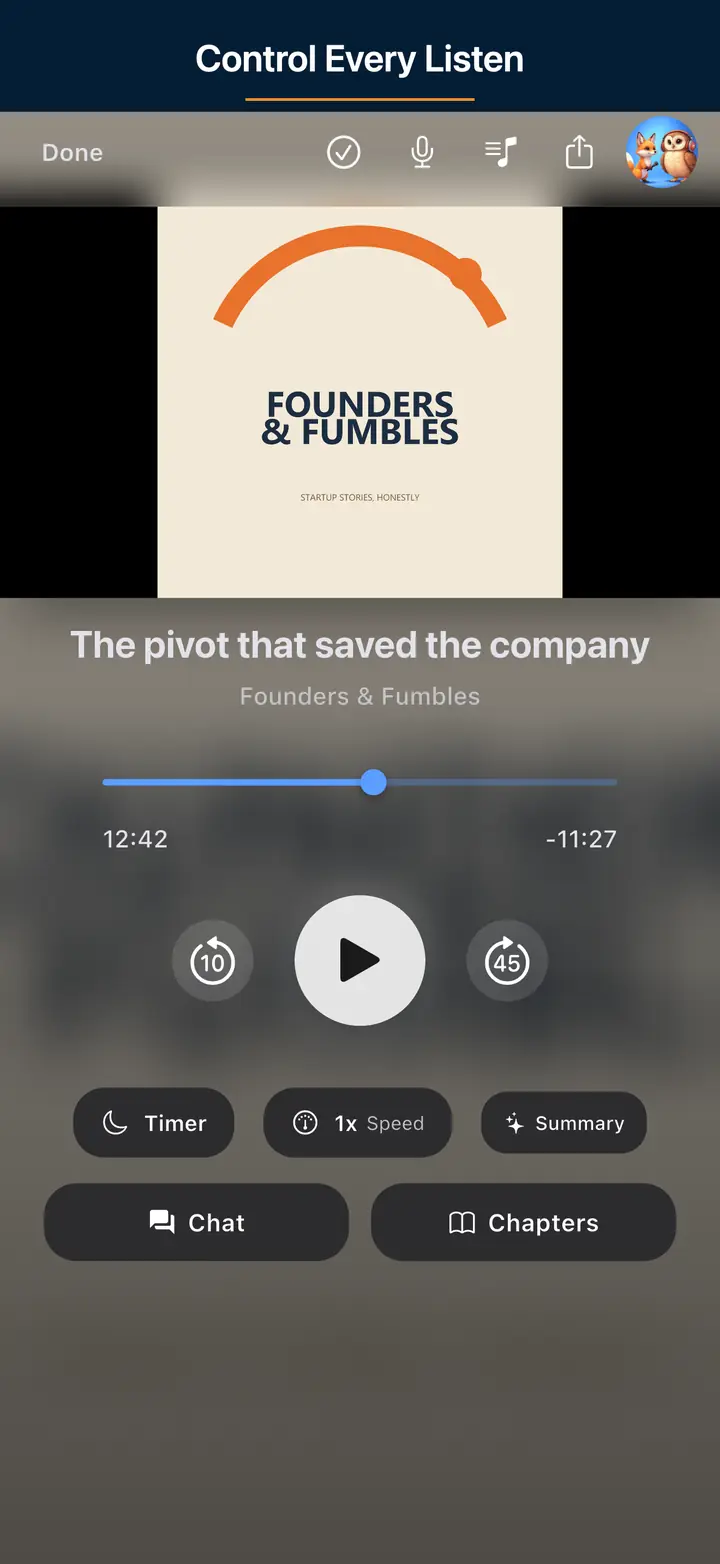
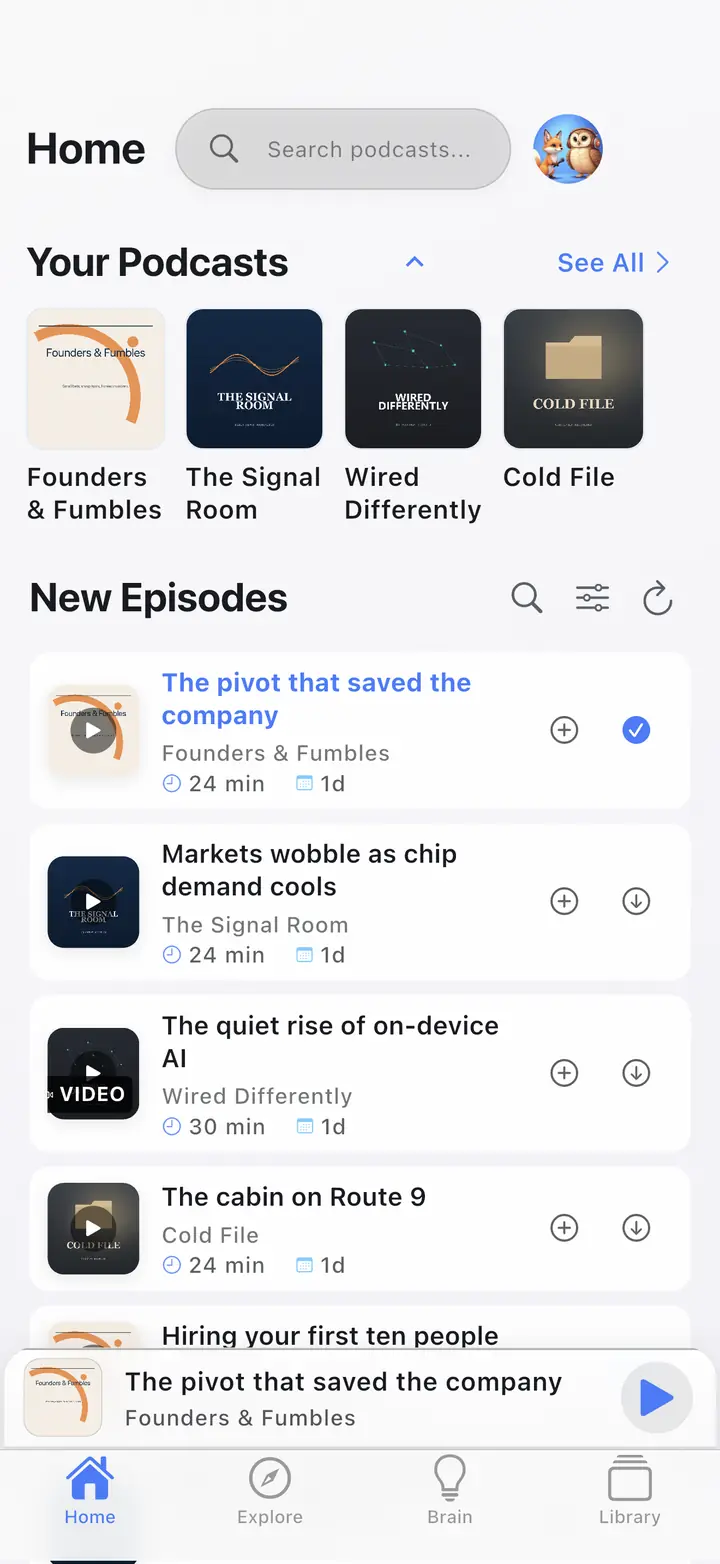
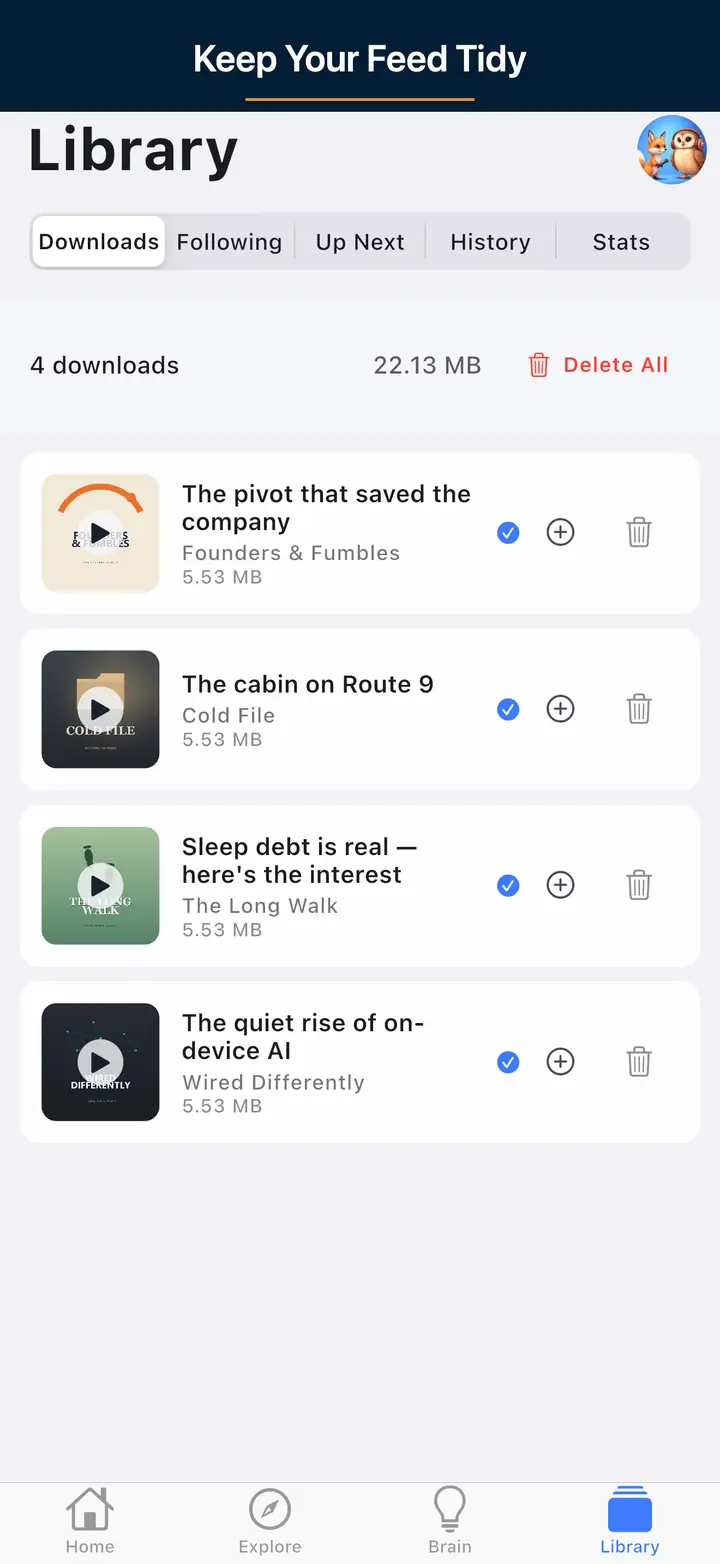
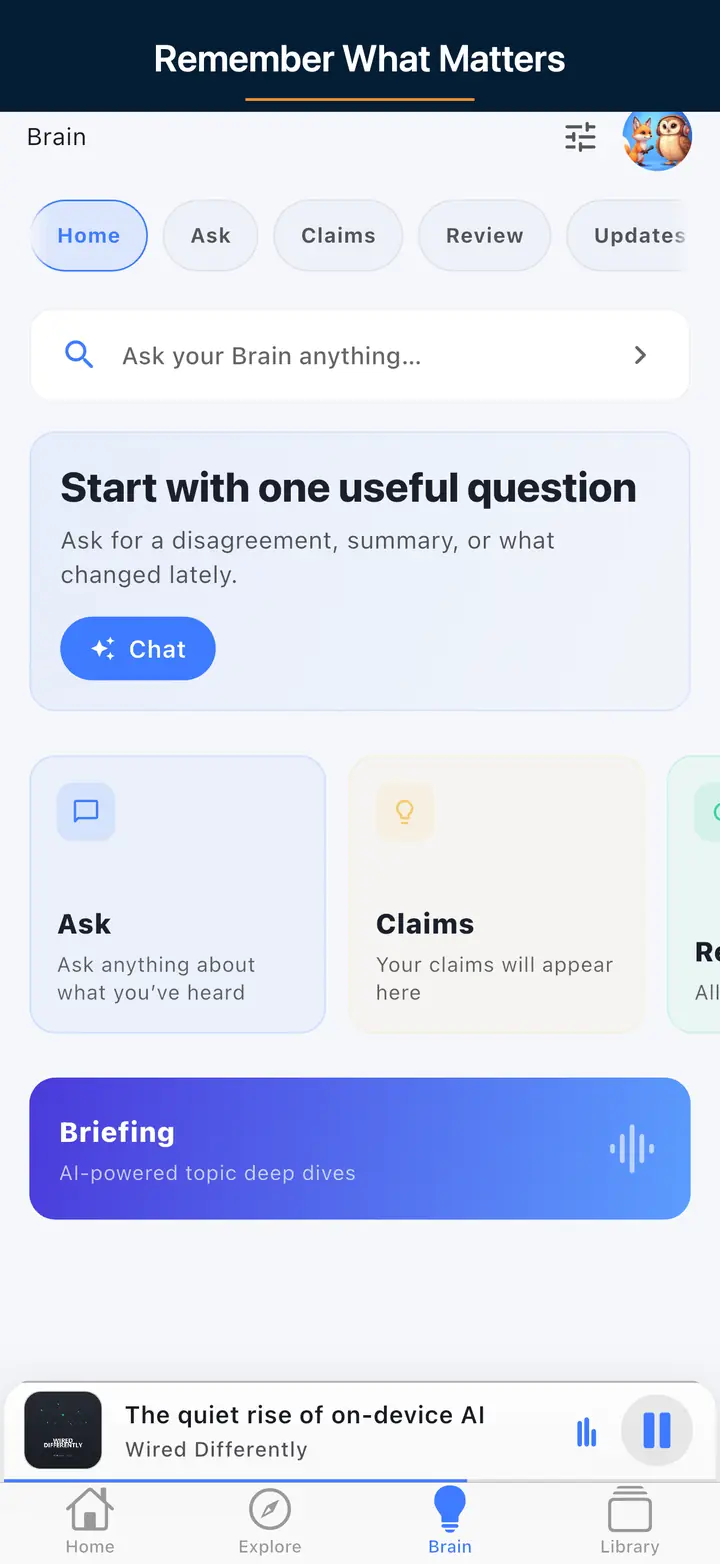
These are real screens from the app, not mockups. Every menu, button, and label is translated, so the app looks like this as soon as you install it.
Open the RSS validator and paste your production podcast RSS URL. It fetches the feed server-side and checks RSS 2.0 structure plus common Apple Podcasts and Spotify expectations. Nothing is stored.
Open the cover art checker. Paste an HTTPS image URL or upload a JPEG or PNG. Confirm square art, at least 1400×1400 pixels, in JPEG or PNG, before a directory caches a bad square.
Open the OPML generator. Search for shows, import an existing OPML, remove shows you no longer want, then download OPML. The file carries titles and feed URLs. It does not move downloads, play position, queues, or playlists.
All features are free with usage caps (free daily transcripts and chats). $4.99/month lifts those caps only.
Smart Ad-Skip is a tap to the end of a marked segment on supported shows. The app does not insert ads. Host-read audio already in the file can still play.
RSS Feed Validator, Cover Art Checker, and OPML Generator. No login. Optional: Podcast Health Report data page.
An RSS feed is an XML channel plus episode items with enclosure URLs. Directories and apps read it to list and play your show. Your host usually publishes it; validate the public URL with the RSS Feed Validator before you submit.
You can start near $0 with a free editor, free or freemium host, and free art tools. A USB mic is an optional upgrade. The tools on this page stay free.
Submit your public RSS URL via Podcasts Connect and Spotify for Podcasters (or your host's one-click submit). Validate the feed and cover art first.
Open RSS extensions such as chapters, transcripts, and value tags. Enable them if your host supports them; the RSS validator may surface related issues.
No. They work in the browser for any feed or list. The app is optional for listening, OPML import, and offline.
Smart Ad-Skip is a tap to the end of a marked segment on supported shows. The app does not insert ads. Host-read audio already in the file can still play. All features are free with usage caps (free daily transcripts and chats). $4.99/month lifts those caps only.
These tools support the same open podcast workflow as The Podcast App: RSS feeds, OPML portability, listener-ready artwork, and free core listening before AI, free with usage caps.
Download The Podcast App for free core listening, queue tools, speed controls, sleep timer, OPML, unlimited offline downloads, and Podcast Brain, free with usage caps.
Use OPML tools to move followed shows, then listen with queue tools, speed controls, sleep timer, unlimited offline downloads, and no account required to start. If you are leaving Overcast, clean the OPML here first, then read the Overcast app alternative — a player comparison, not a shows list.
Validate the feed, check artwork, prepare launch basics, and publish the Podcasting 2.0 tags the app renders. Nothing to claim.
Podcast Brain and Synthesis Radio are free with usage caps; $4.99/month lifts those caps. The free tools stay unlimited where already stated, with clear limits and source-backed eligibility.
Validate feeds, clean OPML, estimate downloads, and open The Podcast App for free core listening with AI, free with usage caps when the workflow needs it.