
Subscribe to any podcast
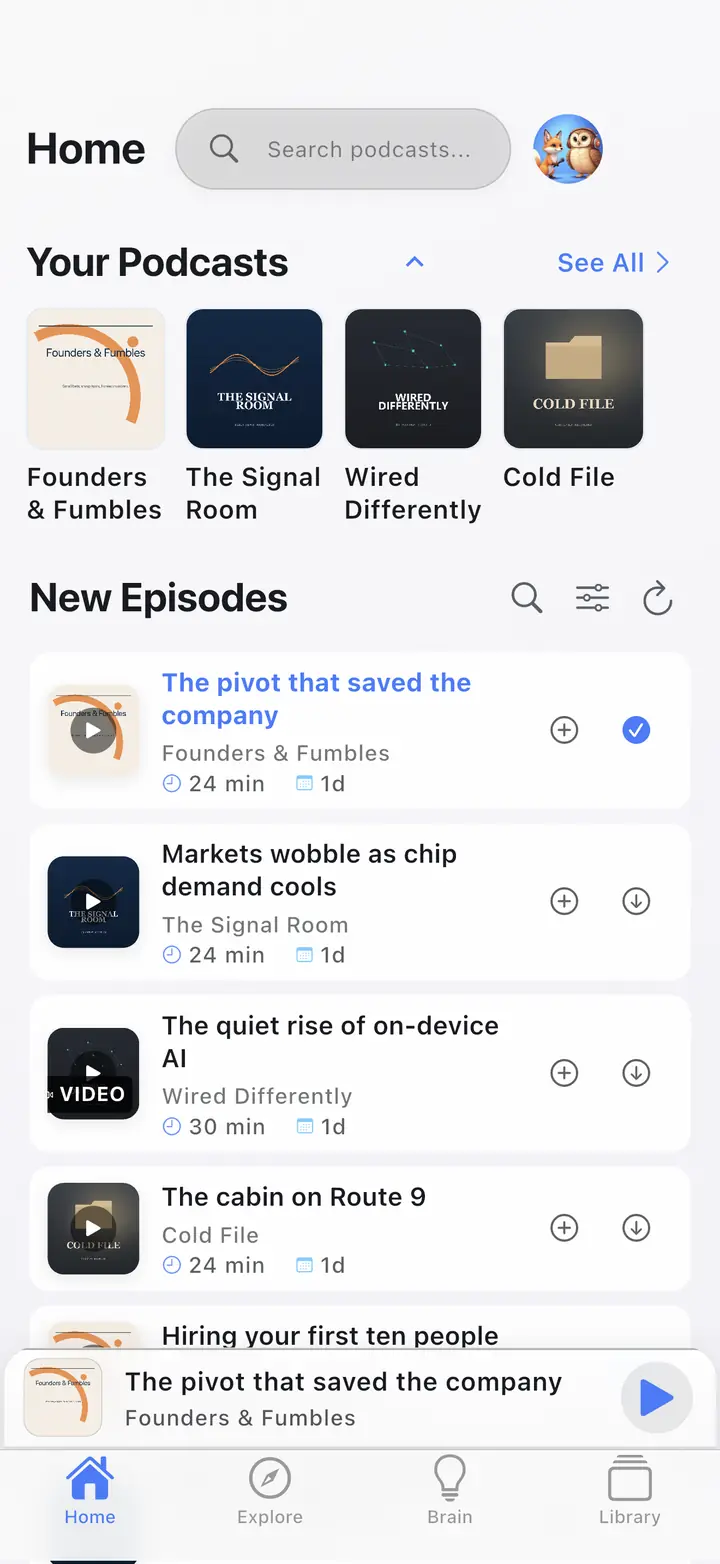
Search for any podcast — whether it publishes audio, video, or both. The app automatically detects video availability and shows the video badge in your library.
| Need | Approach |
|---|---|
| Audio-first commute | Download audio/offline when available |
| Video episodes | Play where the client supports video |
| Switch apps | OPML moves subscriptions — not local files |
Last updated: September 6, 2026
Stop bouncing between YouTube and your podcast player. The Podcast App keeps video podcasts, audio playback, and search together so you can switch formats instantly without losing your place.
Search for any podcast — whether it publishes audio, video, or both. The app automatically detects video availability and shows the video badge in your library.
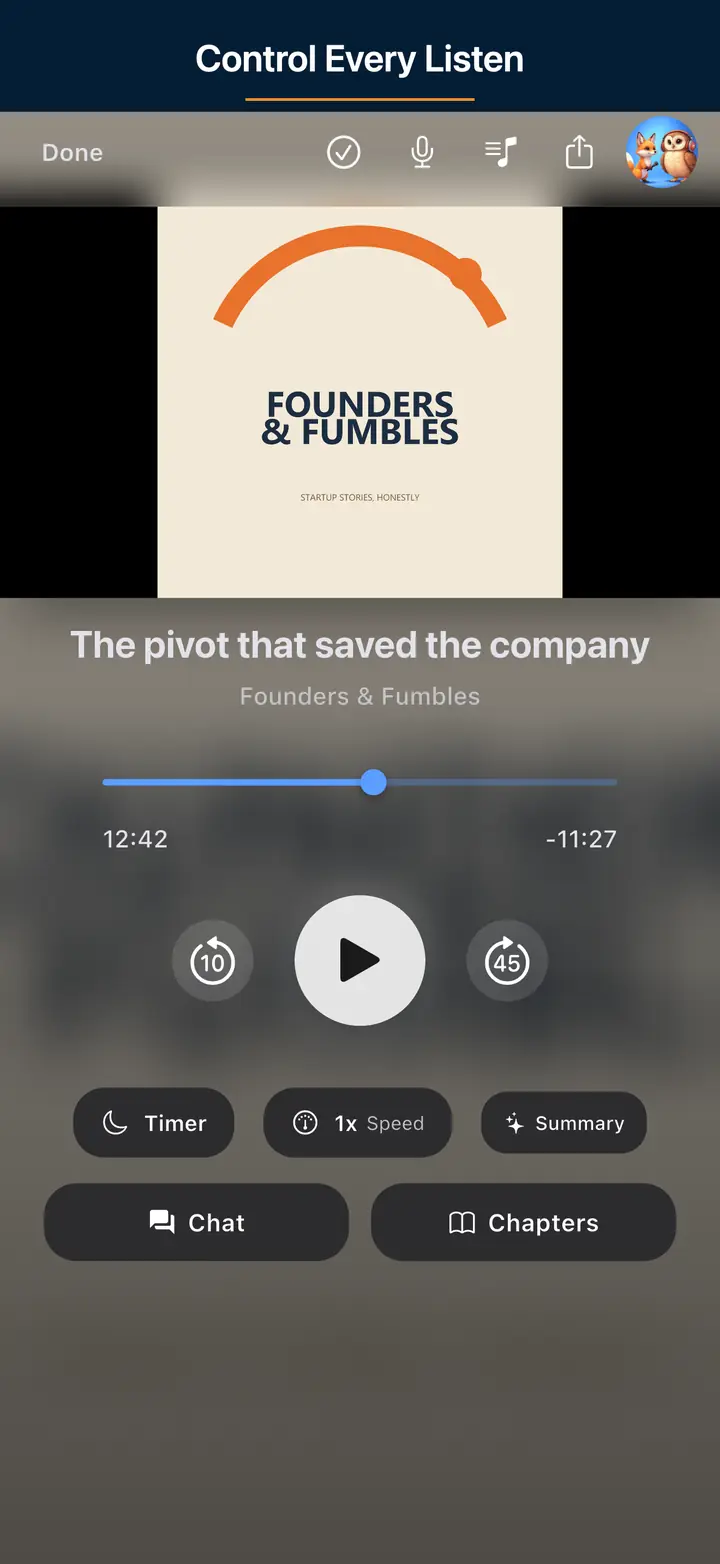
Tap the Video button in the player to switch to video mode. Tap Audio to switch back. Your playback position is preserved either way.
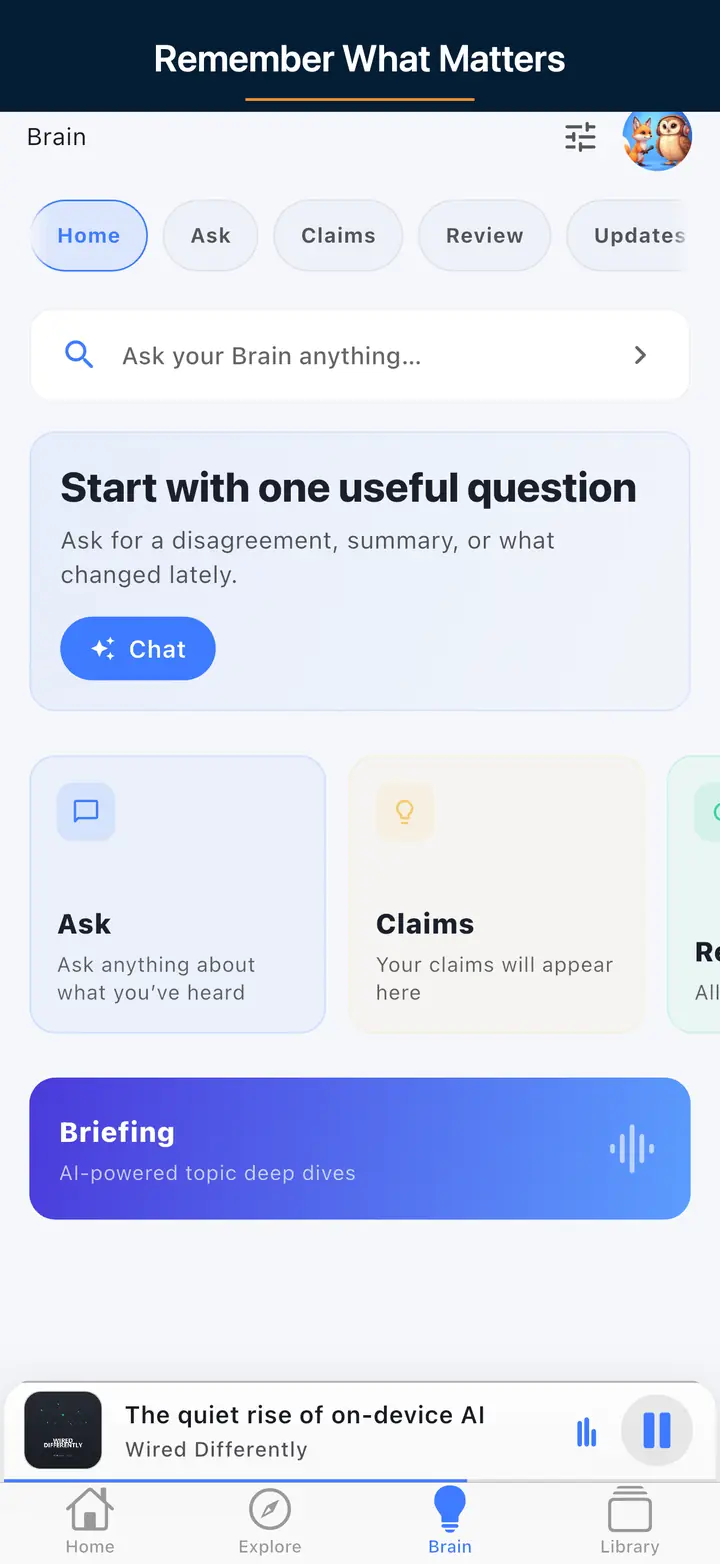
AI summaries and Brain Ask work on video podcasts just like audio. Your entire listening and watching history is searchable from one place.
Most podcast apps are audio-only. Most video podcast listeners bounce between YouTube and their podcast app. The Podcast App brings both into a single library with a single queue, so you never have to choose between the two formats.
Video podcasts are growing faster than audio. JRE, Dwarkesh, and Shawn Ryan Show all publish video-first. The Podcast App is built for both.
Brain Ask doesn't distinguish between audio and video. Search eligible transcript-backed moments from your listening history.
The Podcast App brings you the best of both worlds by combining video and audio podcasts in a single, easy-to-use platform. Whether you want to watch Joe Rogan Experience's latest episode or simply listen to Dwarkesh’s insightful discussions on the go, our app lets you switch instantly between video and audio modes. No more juggling between different apps or devices — enjoy a smooth, uninterrupted podcast experience tailored to your preferences.
With The Podcast App, you have access to popular shows like the Shawn Ryan Show alongside a vast library of video podcasts, all without app-inserted ads and free for core listening to use. Our intelligent AI features enhance your listening experience by recommending content based on your interests and helping you discover new favorites without the hassle of endless searching. The app’s intuitive interface ensures you can navigate and control playback effortlessly, whether you are commuting, working out, or relaxing at home.
Designed for both iOS and Android, The Podcast App optimizes performance to deliver high-quality streaming and downloads, even on slower connections. You can easily save episodes for offline listening or watching, so your favorite content is always available. Plus, the app supports background playback and picture-in-picture mode, letting you multitask without missing a moment. Say goodbye to interruptions and hello to a podcast experience that adapts to your lifestyle.
Many modern shows publish video on YouTube and audio RSS in parallel. Use video when you are home; keep the same title in your audio queue for driving and offline. The Podcast App focuses on free core listening without app-inserted ads for the audio path.
Discovery: follow a show’s official site/YouTube, then subscribe via RSS/search so audio works without the video app. References: Podcast Index, YouTube, Podnews. Related: web player, free app.
Many “video podcasts” are audio-first shows with a static camera. Treat video as optional: if the talk works at 1.2× with the screen off, download audio-first to save battery and data.
When video earns its pixels: demos, whiteboards, live performance, visual comedy. When it does not: three people on Zoom chairs with no visual information. Prefer clients that let you play audio-only when the file is dual-delivered.
Platform notes: Apple video podcasts, YouTube as distribution is different from RSS video enclosures — see YouTube upload basics, open RSS world via Podcast Index.
Related: battery · offline · player basics.
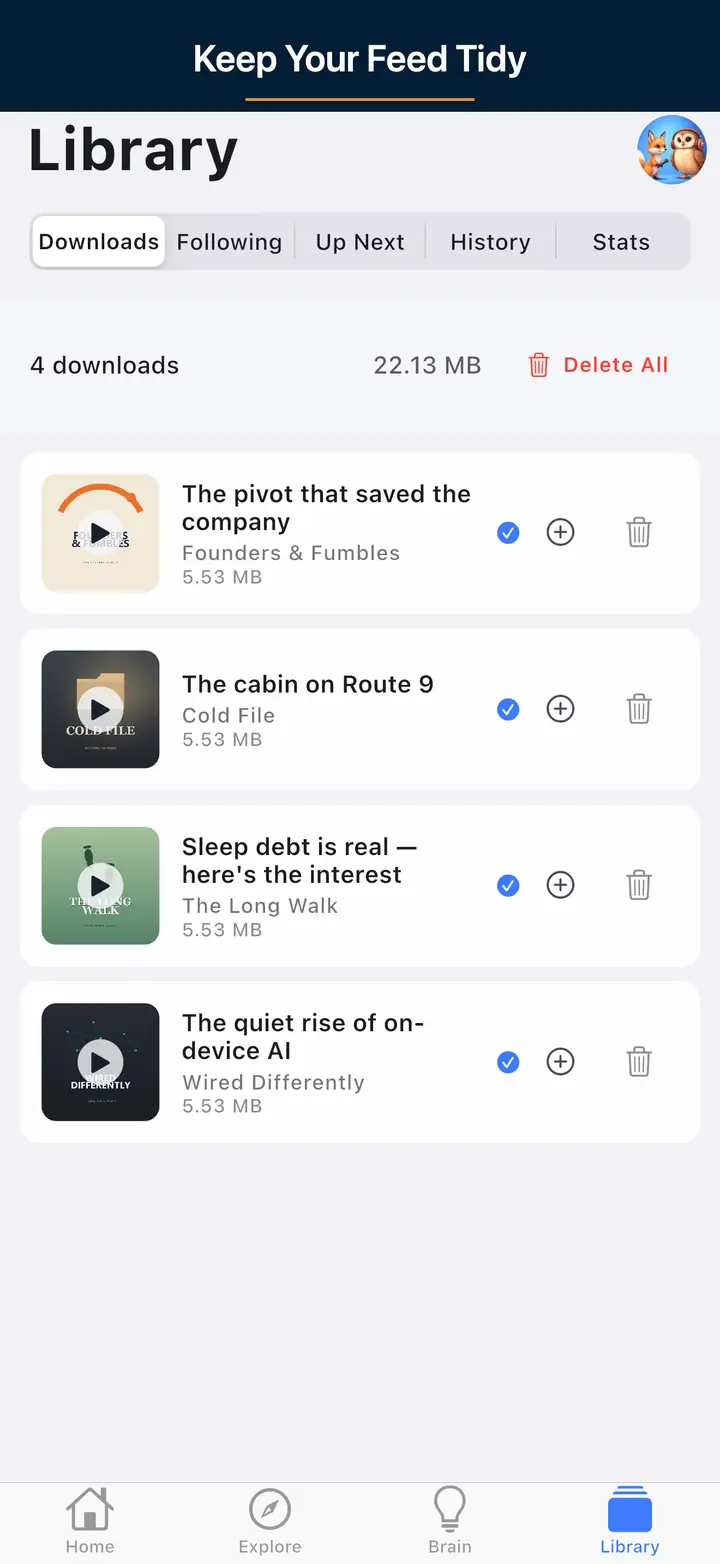
These are real screens from the app, not mockups. Every menu, button, and label is translated, so the app looks like this as soon as you install it.
Download free on iOS and Android. Premium is optional for core listening. Audio and video in one app.