
Turn podcast listening into language practice.
Last updated: June 2026
Podcasts are useful language input when the player supports repeat listening, speed control, transcripts, notes, and optional translation workflows. The Podcast App keeps everyday playback free while reserving deeper translated audio and advanced AI for Premium.
Useful, specific, and tied to the app.
Slow down difficult audio
Use speed controls, queue tools, sleep timer, chapters, and repeat listening to work through native-speed conversations at a manageable pace.
Use transcripts when available
Free listeners get limited transcript creation; Premium expands transcript and AI workflows for heavier study sessions.
Translate eligible episodes
Premium translated audio can help when an eligible episode has the transcript and processing support needed for another listening language.
How this works inside The Podcast App.
The practical boundary is simple: free core listening comes first, Premium limits stay clear, and advanced features depend on eligible podcast data.
Build a study queue
Follow shows in the language you are practicing, queue episodes by difficulty, and use speed controls for first-pass listening. The app's free player handles the repeat-listening routine before any Premium language tools are needed.
Use transcripts carefully
Create transcripts within free limits when an eligible episode needs closer review. Use them as listening support, not as a promise that every show, accent, language, or recording will produce perfect study material.
Upgrade for translated audio
Premium translated audio belongs on this page because it is a real language-learning workflow, with eligibility, transcript quality, source audio, and plan limits kept visible.
What to understand before downloading.
Best for real listening
Best-fit language practice centers on actual podcast habits: shadowing, repeated segments, comprehension checks, note review, and commute practice.
Works with the core player
Language practice still depends on the same free podcast basics: search, follow, queue, playback, OPML, and limited offline listening.
Clear limitations
Translated audio and transcript-backed AI depend on episode eligibility, transcript quality, processing status, and plan limits.
Clear plan boundaries matter.
Free tier
Free users can listen, slow playback down, organize episodes, and create limited transcripts for eligible episodes.
Premium tier
Premium unlocks translated audio, more transcript/AI capacity, Podcast Brain, summaries, chapters, and flashcards.
Feature limits
Translated audio depends on episode eligibility, transcript quality, source audio, language support, processing status, and Premium entitlement.
See the actual app workflow.
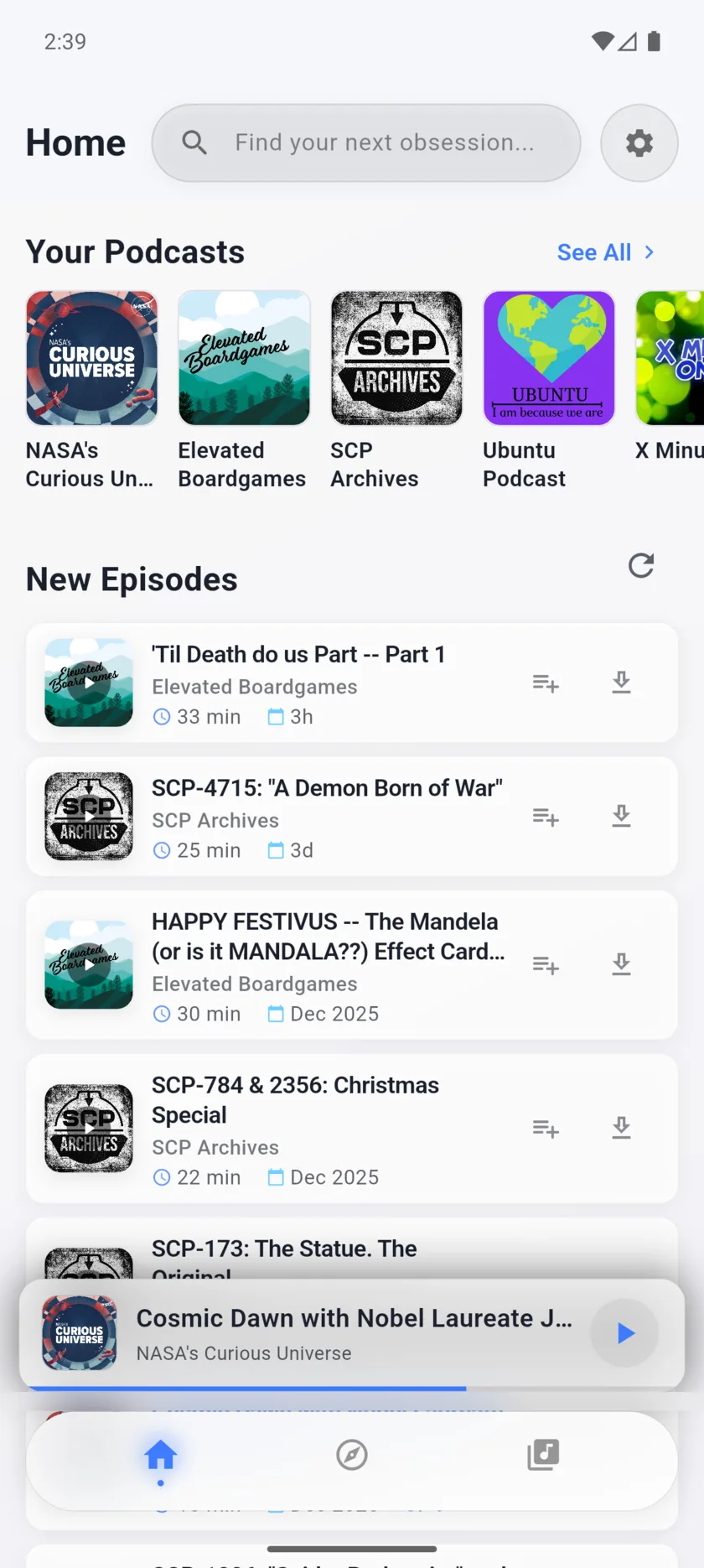
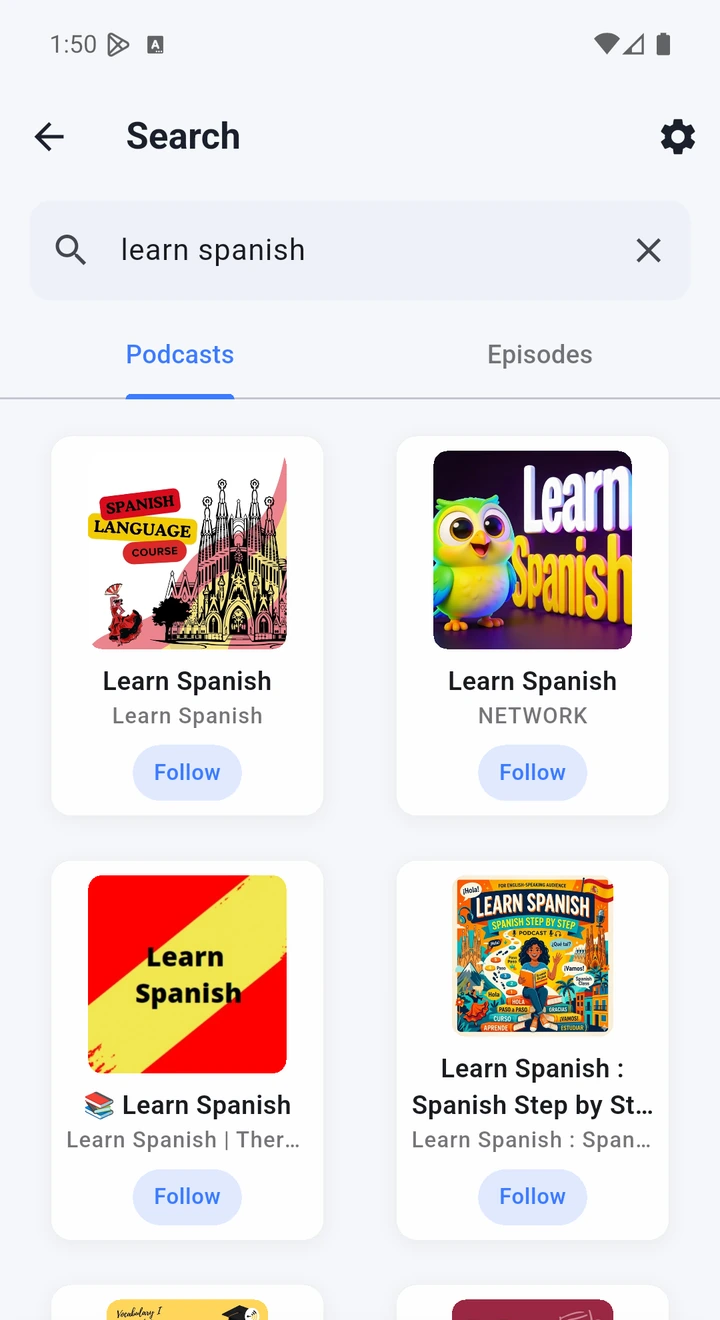
These app screens show the actual listening experience for this page.
Turn podcast listening into language practice.
Use free listening, transcripts, speed controls, OPML, and Premium translated audio in The Podcast App for language-learning workflows on iOS and Android.
- Fit for Language LearningThe practical fit for Language Learning is listening first: search shows, follow favorites, build a short queue, and use clear playback controls on iOS and Android.
- Free core listeningFree users can start without an account and use core listening tools such as playback, speed controls, sleep timer, queue basics, and OPML import/export.
- Queue, OPML, and downloadsUse OPML to move podcast subscriptions, keep a focused up-next queue, and download eligible audio within plan limits for offline listening.
- No app-inserted ads boundaryThe app does not insert banner, feed, or player ads into the app UI; publisher audio ads or platform video ads can still appear in the content itself.
- Optional Premium AIPremium is optional for Podcast Brain, summaries, Synthesis Radio, translated audio, flashcards, and expanded limits on eligible transcript-backed content.
Start with the free player. Add Premium when the deeper workflow fits.
Core listening is free. Premium unlocks deeper AI features and expanded limits for listeners who need more.