
Find the podcast moment you remember, even when the title does not help.
Last updated: May 2026
Podcast search does not need to stop at show names and episode titles. The Podcast App keeps normal listening free, then uses eligible transcripts and Premium Brain to help listeners search, ask, and return to source moments when transcript evidence is available.
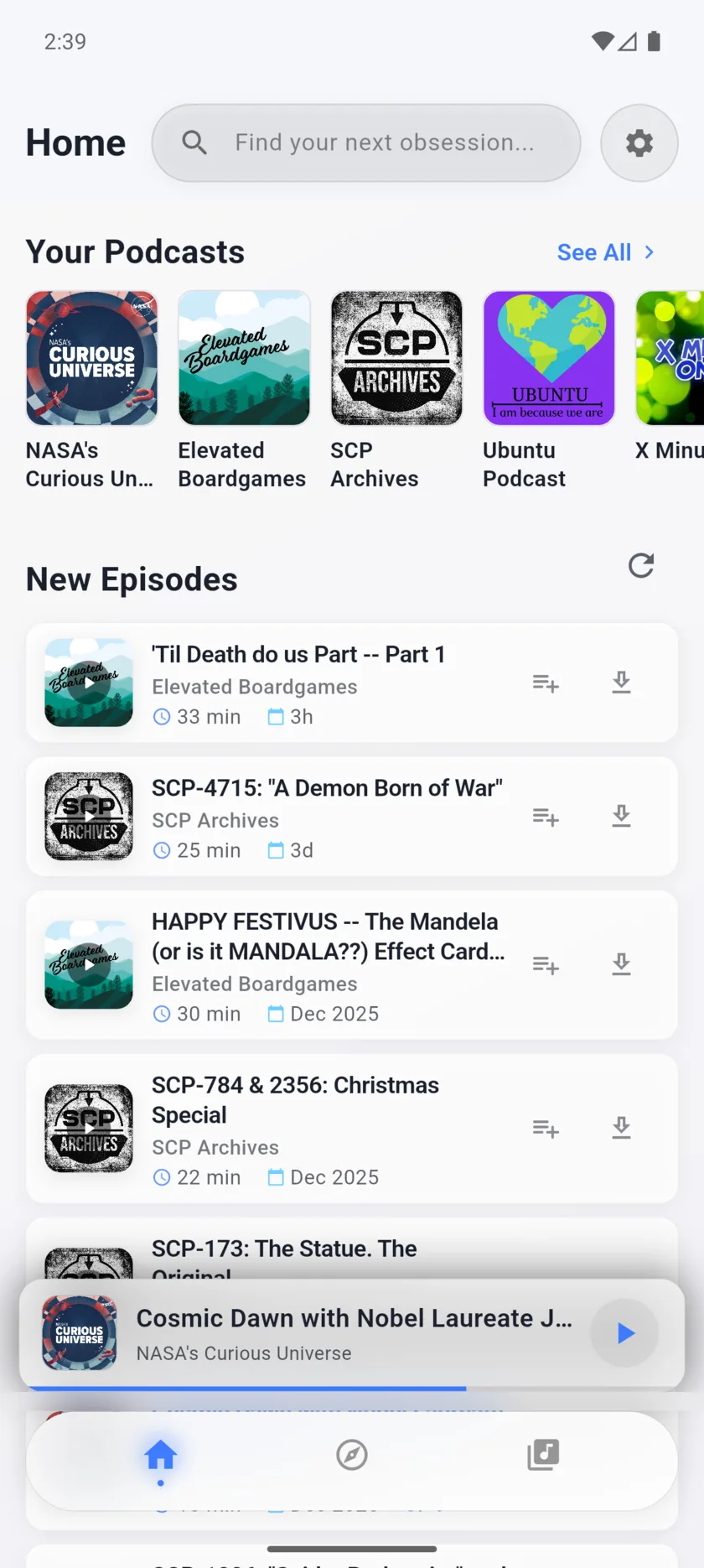
Useful, specific, and tied to the app.
Search beyond titles
Use transcript-backed workflows when a quote, topic, guest, or claim matters more than the published episode title.
Keep answers close to audio
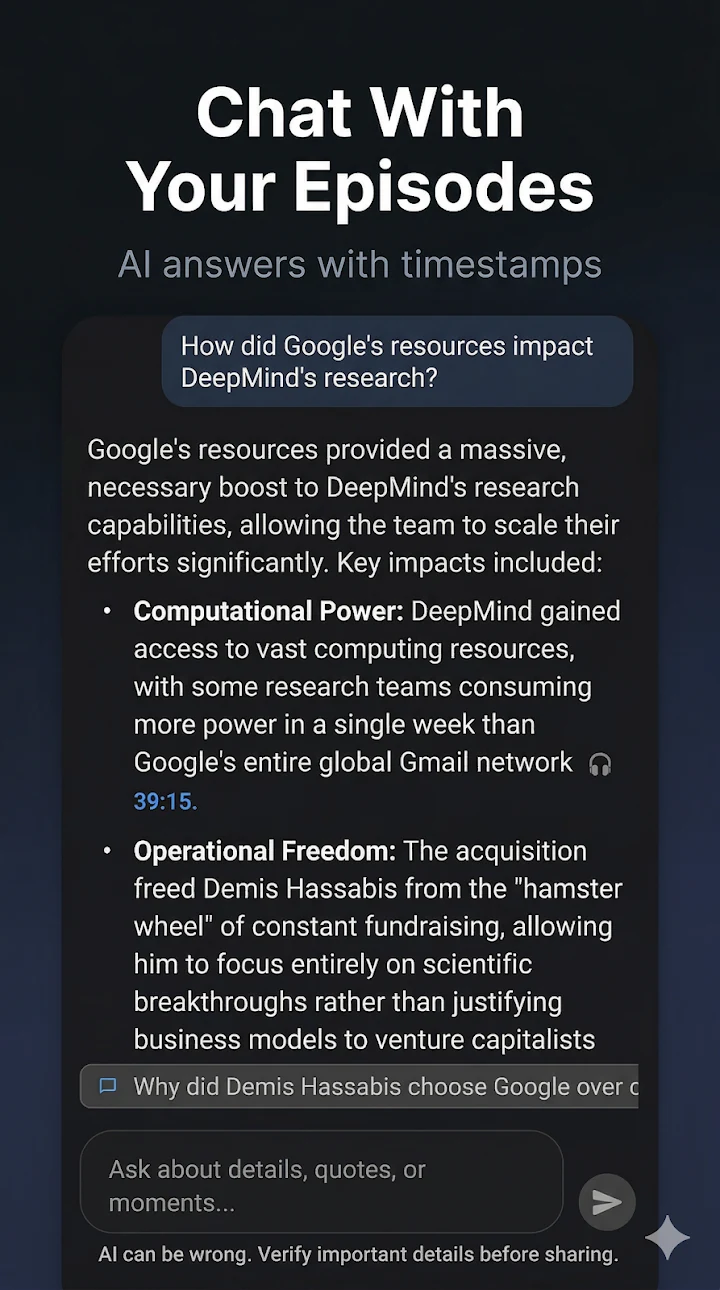
Transcript search is most useful when it points back to the episode context, timestamps, chapters, or chat answer that helped surface the moment.
Start with the player
Search, follow, queue, speed, sleep timer, OPML, and limited downloads stay part of the free player before any deeper transcript workflow is needed.
How this works inside The Podcast App.
The practical boundary is simple: free core listening comes first, Premium limits stay clear, and advanced features depend on eligible podcast data.
Build the listening set
Follow shows and listen normally first. Transcript search is strongest after the app has eligible episodes with usable transcript text, not before the source material exists.
Use transcript-backed retrieval
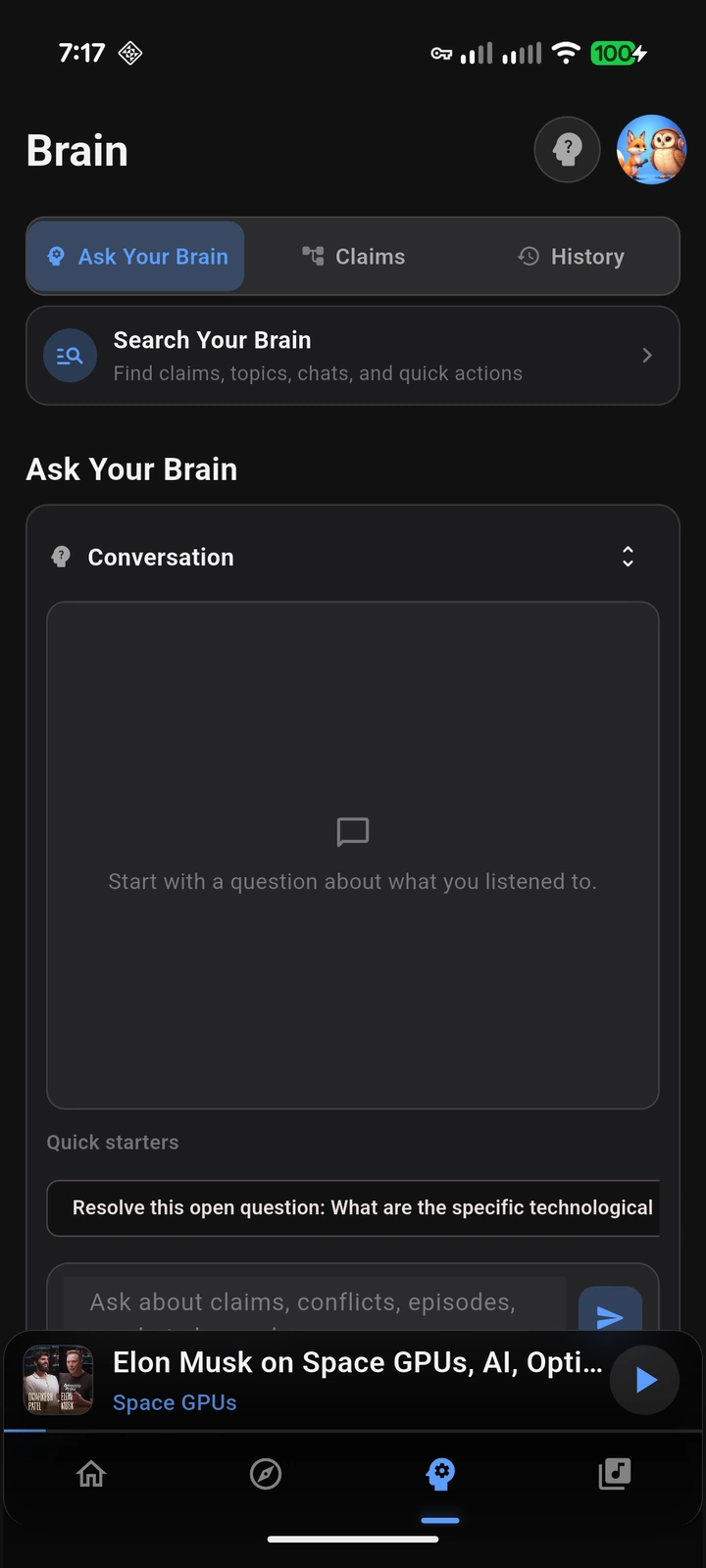
Ask for a topic, phrase, person, or idea from eligible transcripts. Free episode chat can help on prepared episodes within limits; Premium Brain is the deeper retrieval layer for eligible listening context.
Return to source context
Use transcript search to decide what to replay or review. Keep conclusions tied to the source episode instead of treating AI output as a replacement for the original audio.
A closer look at the app workflow.
What to understand before downloading.
Best search fit
This page is for listeners who remember an idea but not the episode title, and who need transcript-backed retrieval rather than another generic catalog search.
Evidence boundary
The useful boundary is eligible transcript-backed episodes. Unsupported shows, unavailable audio, weak transcripts, or unprocessed episodes can limit search quality.
Conversion fit
Transcript search naturally connects to Podcast Brain, podcast answers, episode chat, AI transcripts, and the AI feature eligibility checker.
Clear plan boundaries matter.
Free tier
Free users can listen, organize, create limited transcripts for eligible episodes, and use limited episode chat after transcript data is available.
Premium tier
Premium expands Podcast Brain, transcript-backed retrieval, summaries, chapters, flashcards, Synthesis Radio, translated audio, and higher limits.
Feature limits
Transcript search depends on eligible episodes, usable transcript text, processing status, account state, and current plan limits.
Check plan and episode eligibility
Use the pricing guide to see what is free versus Premium, then use the AI feature eligibility checker to understand when transcripts, summaries, Brain, Synthesis Radio, translated audio, and other Premium AI workflows can run.
Start with the free player. Add Premium when the deeper workflow fits.
Core listening is free. Premium unlocks deeper AI features and expanded limits for listeners who need more.