
OPML (Outline Processor Markup Language) is an XML format commonly used to import and export podcast subscriptions between apps. When you export your subscriptions from Apple Podcasts, Pocket Casts, Overcast, or any other podcast app, you typically get an OPML file containing a list of every show you follow along with its RSS feed URL.
View & Edit Your Podcast Subscriptions
Upload your OPML file to see eligible transcript-backed episodes, search by name, remove unwanted shows, and export a clean file.
Drag & drop your OPML file here
or click to browse · .opml .xml
or paste OPML content
Understanding the Structure of an OPML File
An OPML file is just XML underneath, organized as nested outline elements sitting inside a single body tag. A podcast subscription is represented as an outline carrying an xmlUrl attribute that points at the show's RSS feed; a category or folder is a different kind of outline entirely -- one with no feed URL attached to it at all -- that simply contains other outlines nested inside it as children. That's really the entire structure: folders are outlines without feeds attached, shows are outlines that have one.
This distinction is also where imports commonly go wrong between different apps. Some podcast apps flatten categories entirely on export, dumping every single show at the top level with no folder structure preserved whatsoever; others keep folders intact but rename them inconsistently between one export and the next. When you view a file here, an outline with no xmlUrl and children nested underneath it is being treated as a category, while an outline carrying an xmlUrl but no children is treated as an individual show -- if a file looks oddly flat or unexpectedly nested, checking which of these two patterns it's actually using usually explains why immediately.
The most common issues worth checking carefully before any import are missing xmlUrl values (an entry that visually looks like a normal show but has no working feed attached), and htmlUrl fields that point at a broken or entirely unrelated website, which doesn't stop the underlying subscription from working correctly but is worth cleaning up if you're building a tidy list specifically to hand off to someone else or archive properly.
Viewing and editing a file here is meaningfully different from generating one from scratch: this particular tool is for inspecting and trimming a list you already have on hand, removing shows you no longer actually follow, before importing the cleaned-up result into The Podcast App or any other compatible player. If you're instead trying to build an entirely new subscription list from nothing at all, the separate OPML generator tool elsewhere on this site is the better starting point for that specific job.
A quick note on privacy and portability: because the viewer parses your OPML in the browser and never needs an account, your subscription list is not uploaded, stored, or shared. That makes it safe to inspect an export from any app before importing it somewhere new, and it means you can keep a plain-text OPML backup of your own library as cheap insurance. If a feed URL looks wrong or a show is missing, you can spot it here first and fix the source export rather than discovering the gap after a migration.
Further reading
Sources and further reading
- Edison ResearchLeading US audio/podcast audience research firm
- PodnewsDaily global podcast-industry news of record
- The Podcast Academy (The Ambies)Membership body behind the Ambies awards
- Podcast IndexOpen, independent podcast index and API
- Media RSS Specificationmedia namespace supplementing RSS enclosures
- RSS 2.0 Specificationcanonical RSS 2.0 spec (RSS Advisory Board)
- Apple PodcastsApple's official podcasts app/platform homepage
- SpotifySpotify homepage (podcasts + music listening)
- Pocket CastsCross-platform podcast player (Automattic)
- Listen NotesPodcast search engine and API
In your language
The Podcast App, running in this language.
These are real screens from the app, not mockups. Every menu, button, and label is translated, so the app looks like this as soon as you install it.
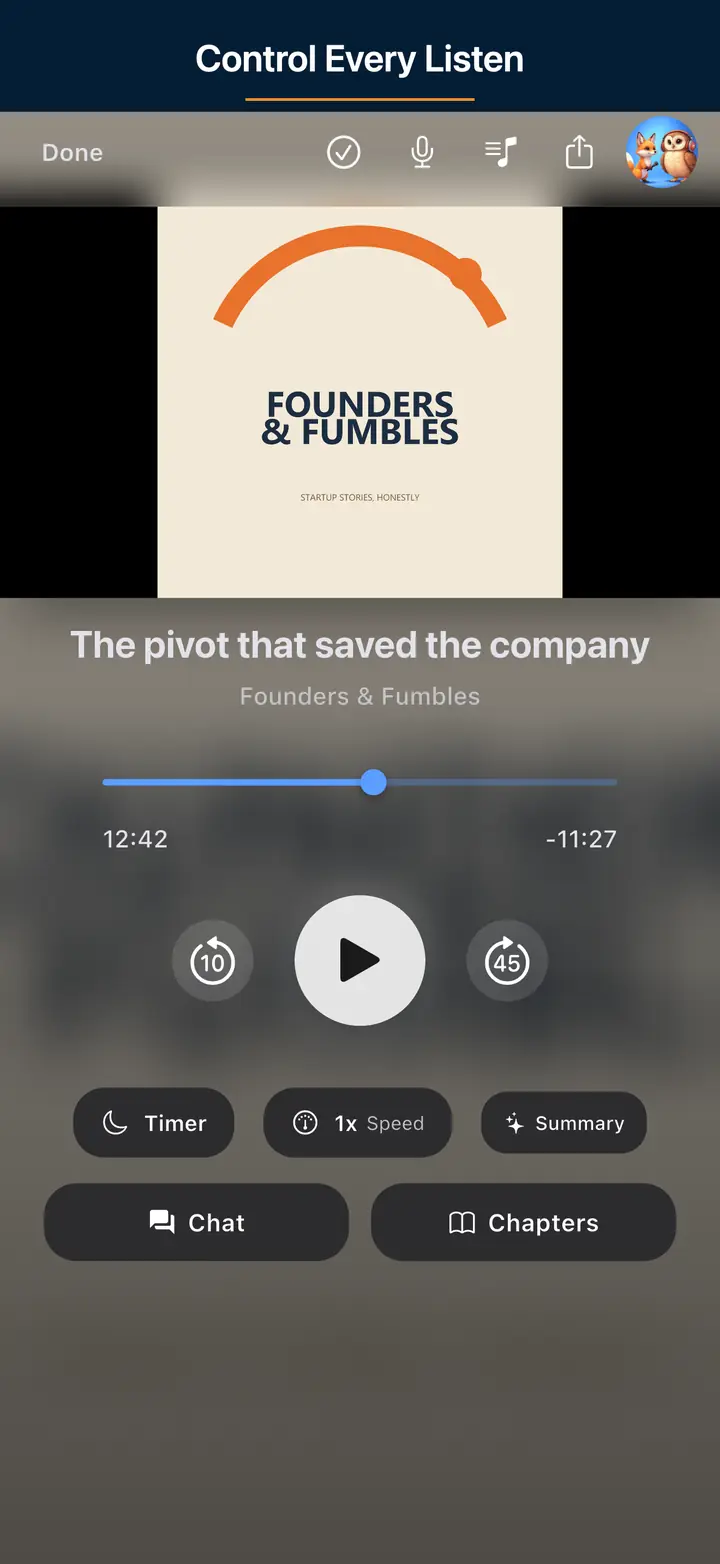
The audio player screen 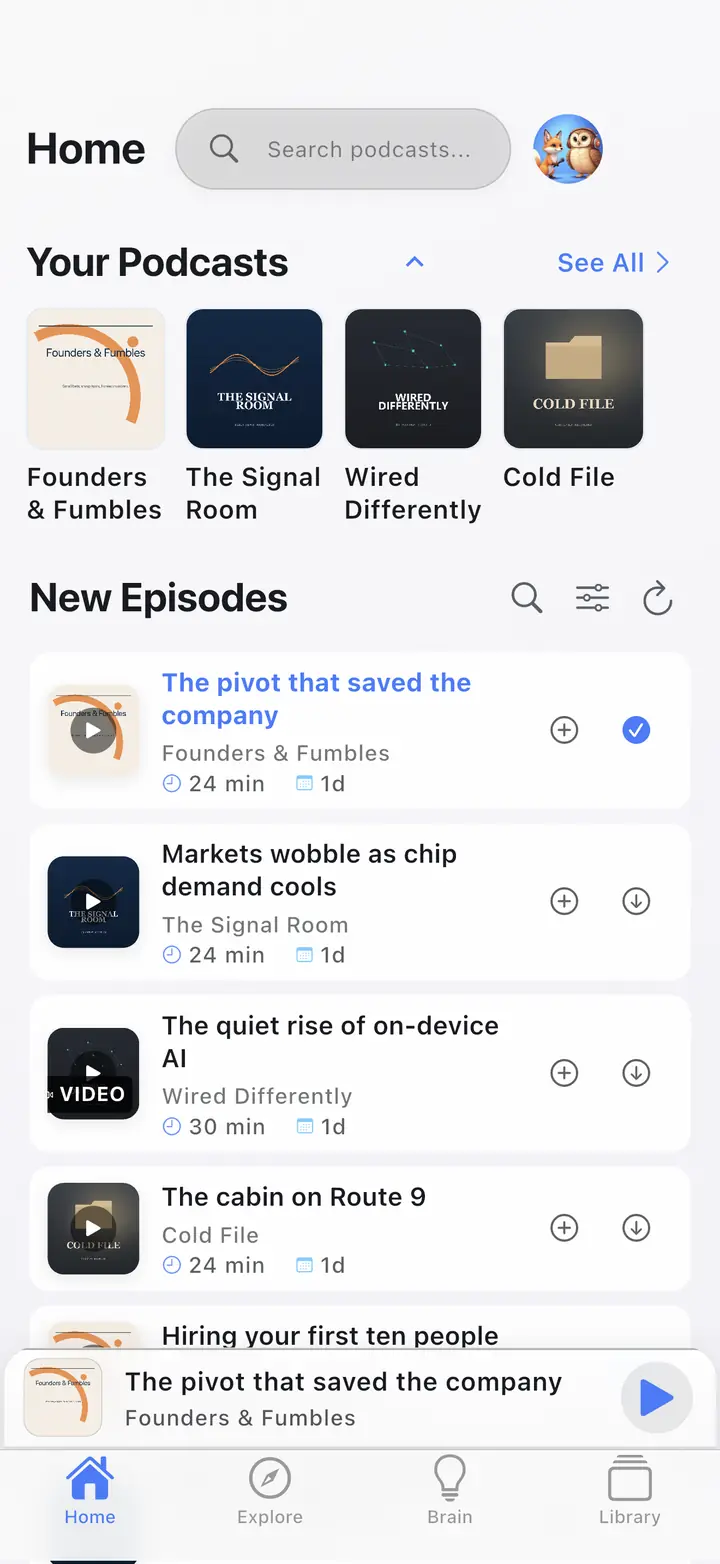
The home screen 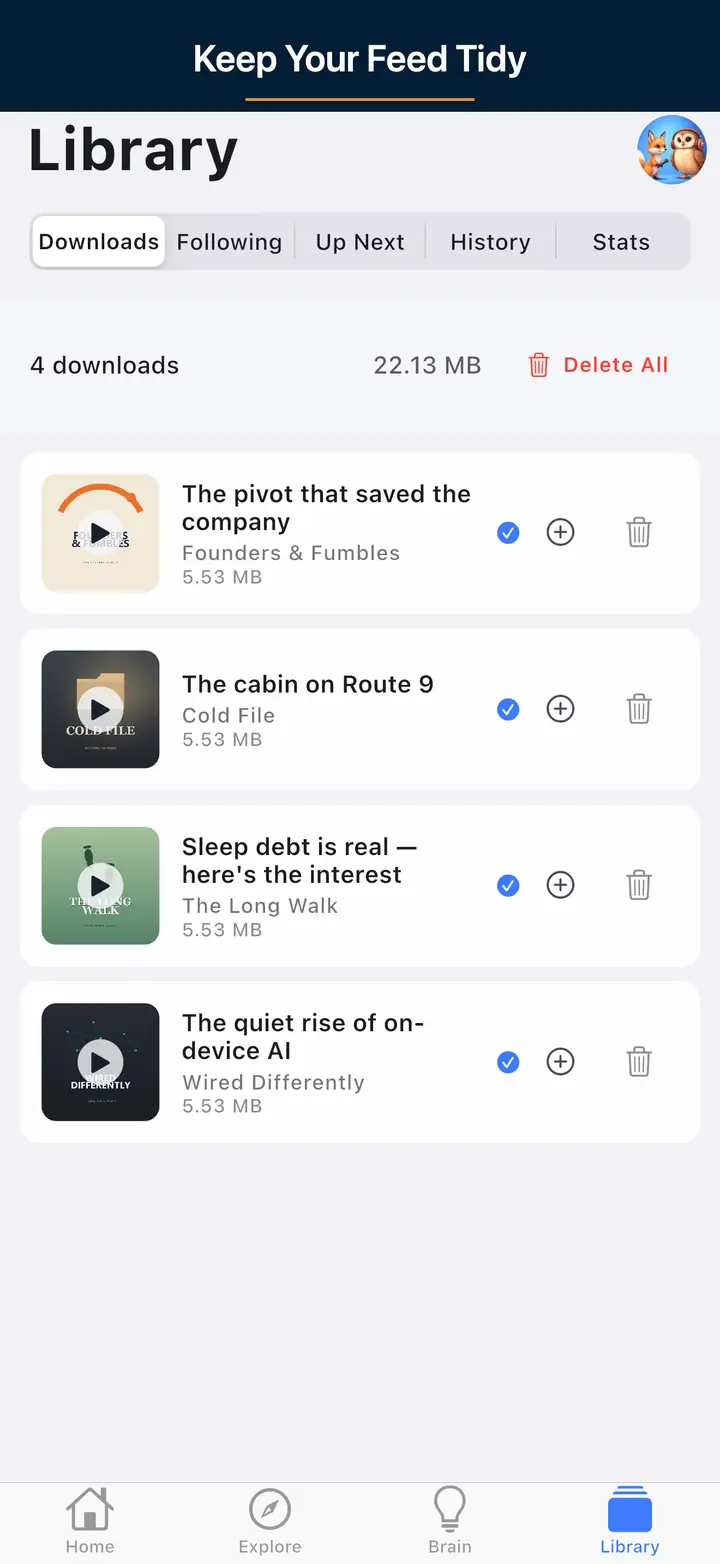
The downloaded episodes screen 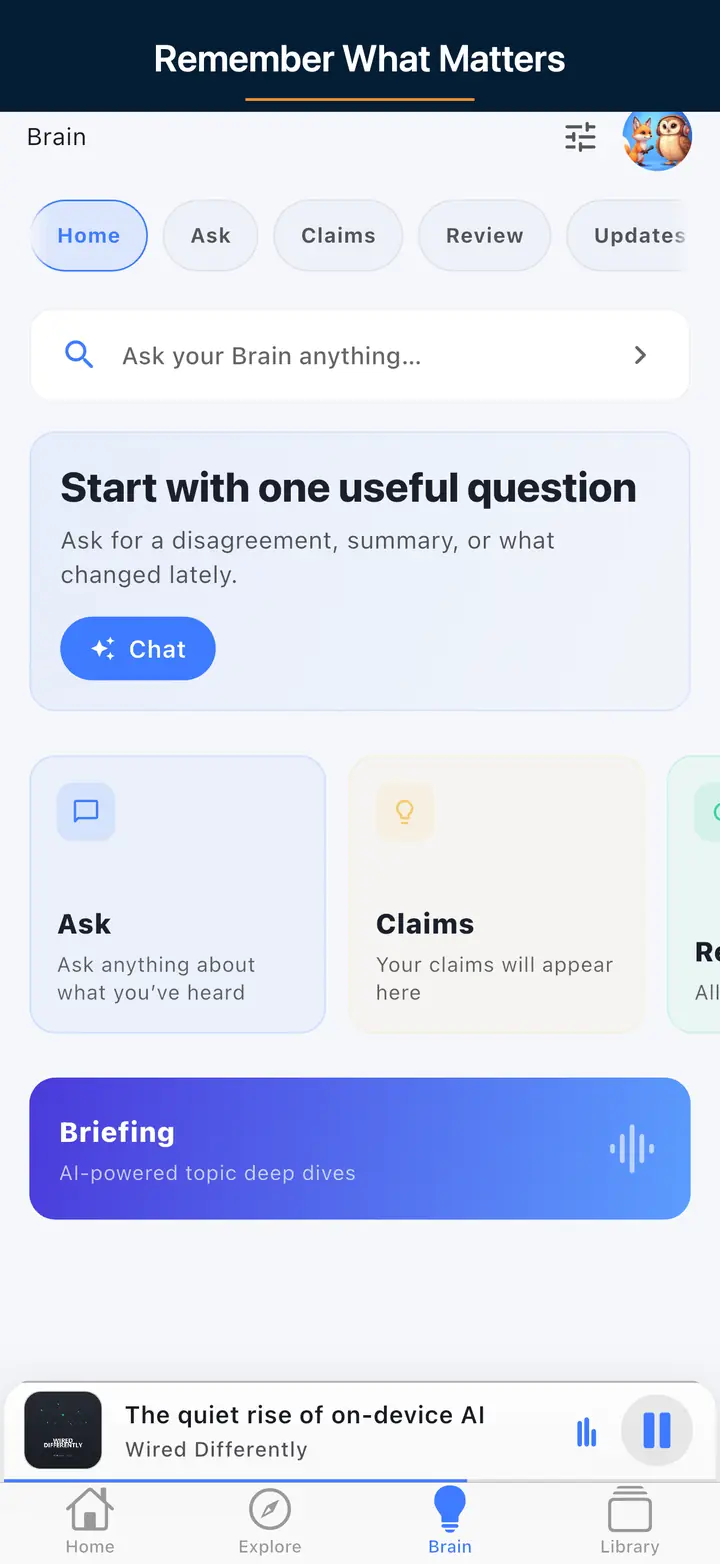
The AI assistant screen
FAQ
Frequently asked questions
Most podcast apps have an export option in their settings. In Apple Podcasts, go to File > Library > Export (macOS). In Pocket Casts, go to Settings > Import/Export > Export. In Overcast, go to Settings > Export OPML. In The Podcast App, go to Settings > Export Subscriptions. Look for "Export OPML" or "Export subscriptions" in your app's settings.
Yes. After uploading your OPML file, you can search by podcast title, select individual shows, and remove them. When you download or copy the cleaned OPML, the removed podcasts will be excluded. This is useful for cleaning up your subscription list before importing into a new app.
More tools
Other free podcaster tools
RSS Feed Validator
Check your podcast RSS feed for errors, warnings, and compatibility issues.
Cover Art Checker
Verify your cover art meets Apple Podcasts and Spotify size, format, and color requirements.
Podcast Website Generator
Build a starter site from your RSS feed with episode pages, subscribe links, and show details.
Podcast Launch Checklist
Use a practical launch checklist to get your feed, artwork, and directory submissions ready.
Episode Speed Calculator
See how much listening time you save at 1.2x, 1.5x, 2x, or custom playback speeds.
For Listeners
Import your subscriptions into The Podcast App
Clean up your OPML file, then import it directly into The Podcast App. Free on iOS and Android.