Episode Chat
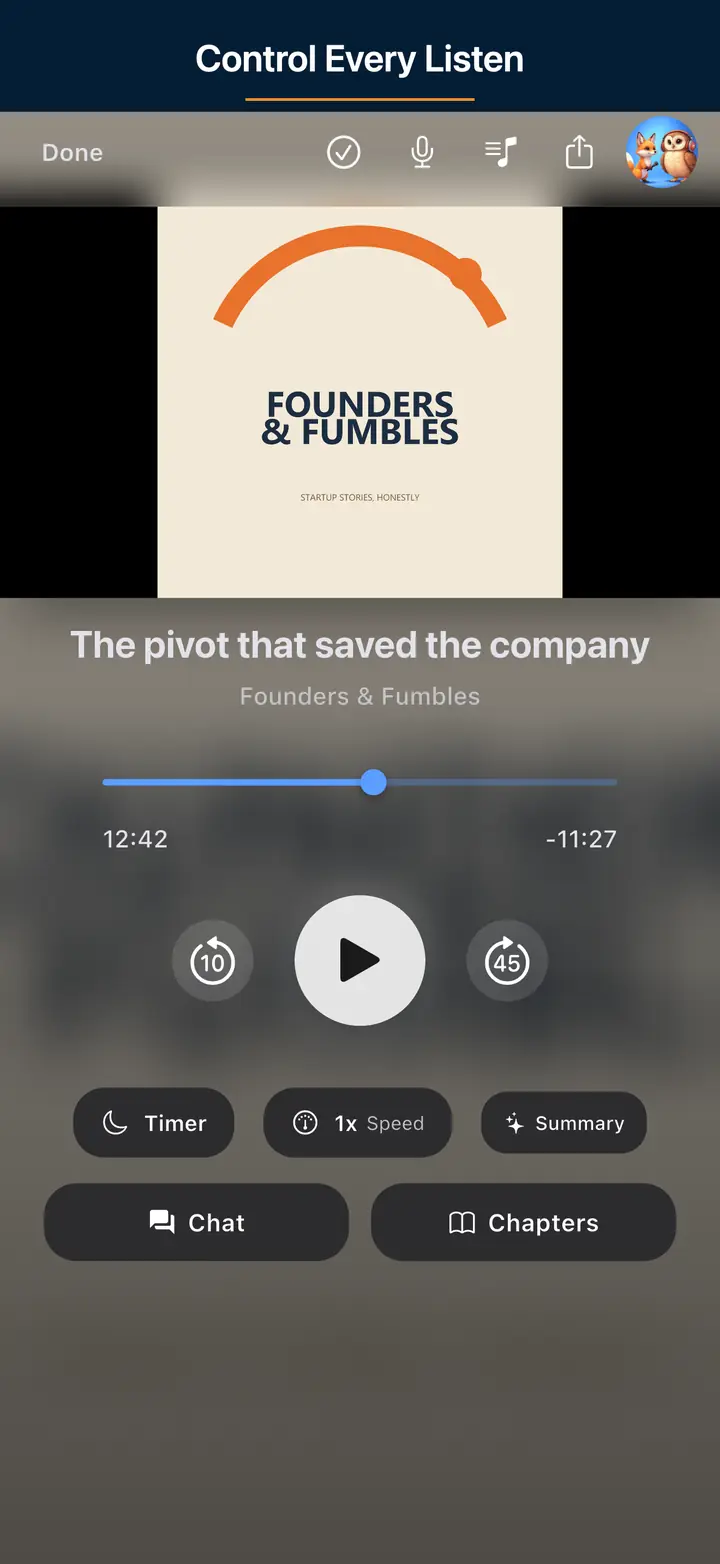
Ask for key takeaways, the best quote and time, the main disagreement, the biggest surprise, action ideas, or top risks from one prepared episode.
| Layer | Role |
|---|---|
| Core player | Subscribe, queue, offline — free |
| Chat / AI surfaces | Optional helpers — do not replace listening |
| Premium | Brain/memory — not a download unlock |
Last updated: September 6, 2026
There are two distinct chat modes. Episode Chat stays transcript-backed and episode-specific, so you can chat with one podcast episode once its transcript is ready. Brain chat in Premium helps you talk to your podcasts across episodes, reopen recent chats, and inspect the sources behind the answer. For the broader premium layer, see Podcast Brain.
Ask for key takeaways, the best quote and time, the main disagreement, the biggest surprise, action ideas, or top risks from one prepared episode.
Ask across shows and episodes, then reopen recent chats, inspect evidence, and trace the answer back to what you actually heard.
The player stays first. AI chat is there when you want more context, not when you are just trying to hit play.
Episode Chat is for understanding one episode well. Brain chat is for asking what changed, repeated, or conflicted across the listening history you already built.
Open one episode, prepare the transcript, then ask transcript-backed questions that stay tied to that specific episode.
Ask across episodes and recover context later through recent chats, saved threads, sources, and evidence.
The goal is not a generic assistant. It is answers that stay connected to the podcast context you actually heard.
Some people want to chat with a single podcast transcript. Some want to talk to one episode after they finish it. Others want to talk to their podcasts as a body of listening history. The product split matches those jobs instead of forcing one vague AI box to do everything.
Use Episode Chat when you want questions and answers tied to one prepared transcript and one episode.
Ask about quotes, takeaways, disagreements, surprises, or action ideas from one episode after transcript prep is done.
Use Brain chat when you want to ask across your listening history instead of treating every episode like a disconnected one-off.
Episode Chat is transcript-first. If the transcript is not ready yet, the app prepares it first, shows progress, and then unlocks the chat for that episode. This is the right mode when you want specifics from one conversation, not a sweep across your library.
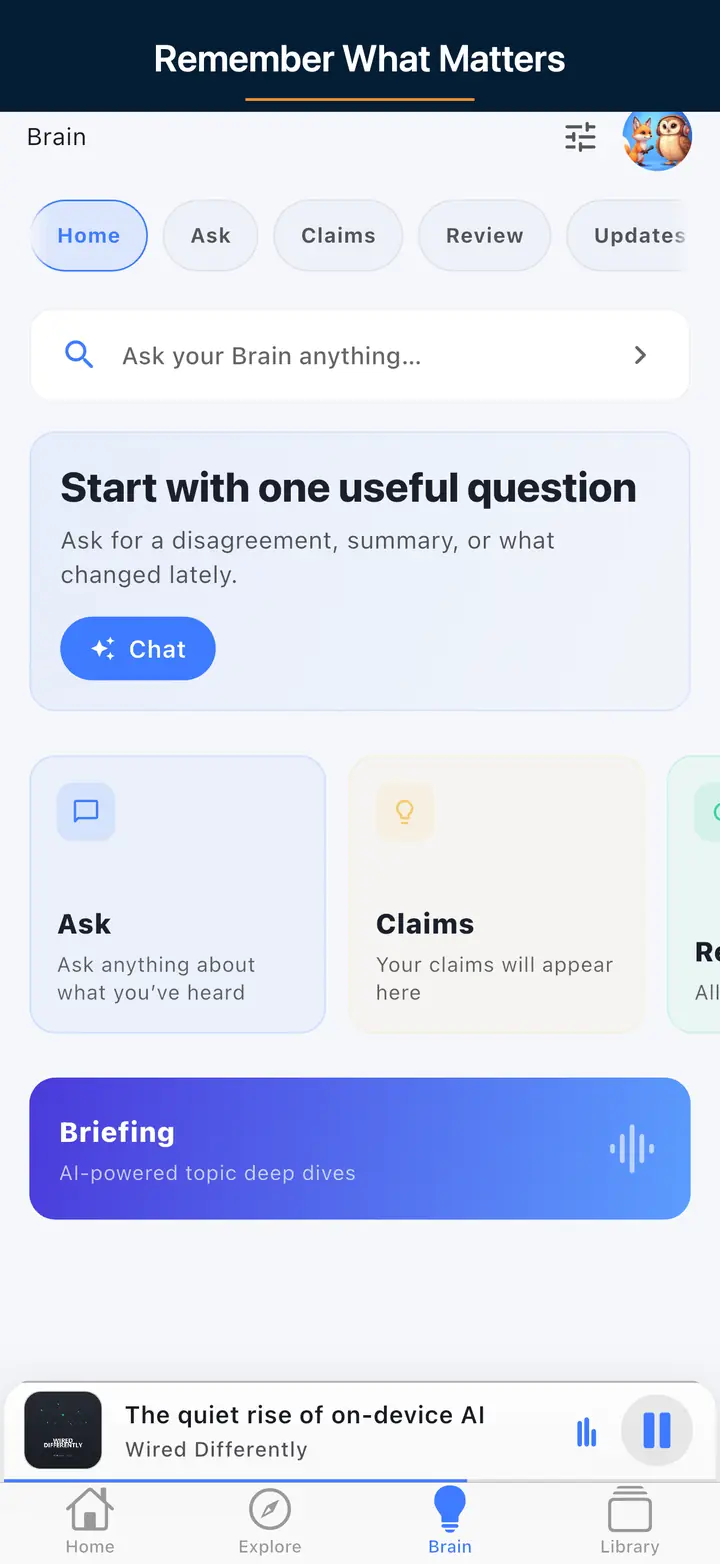
Brain chat is the premium cross-episode mode. It helps you ask across your listening history, compare ideas across shows, reopen recent chats, and inspect sources and evidence when you want to see where an answer came from.
That split matters. Episode Chat availability depends on transcript preparation and plan limits, especially for long episodes and heavier usage. Brain chat is where the premium memory, review, and cross-episode context live.
If an episode has not been prepared for chat yet, the app shows a prep state and then unlocks chat when the transcript is ready.
Some AI chat paths stay available before Premium, but longer transcripts, heavier usage, and the deeper Brain layer are more constrained.
You can start with the calmer offline podcast player, then turn on the deeper AI layer only when it becomes useful.
Podcast Chat is the conversational interface over eligible transcript-backed listening history in The Podcast App. It does not replace subscribing to real shows; it helps you recover a tip, name, or argument from something you already played.
Use free core playback first, then optional AI when you need recall. Related: Podcast Brain, AI podcast player, free podcast app. Industry context: Podcast Index, Podnews.
Episode chat is a Q&A layer over episode content you have rights to process in-app. It is strongest for recap and definitions after a finished play — weakest when used as a spoiler machine for shows you never opened.
Good prompts: “Summarize the guest’s three claims,” “Define the term they used at minute 20,” “List action items.” Bad prompts: medical dosing, legal strategy, or invented quotes from untranscribed audio.
Product siblings: Podcast Brain, AI player. Industry reading: Podnews, open catalog Podcast Index.
Related: AI chat feature page · free limits · compare AI claims.
Install the player now, use Episode Chat when one transcript matters, and turn on Brain when you want the cross-episode layer to remember more for you.
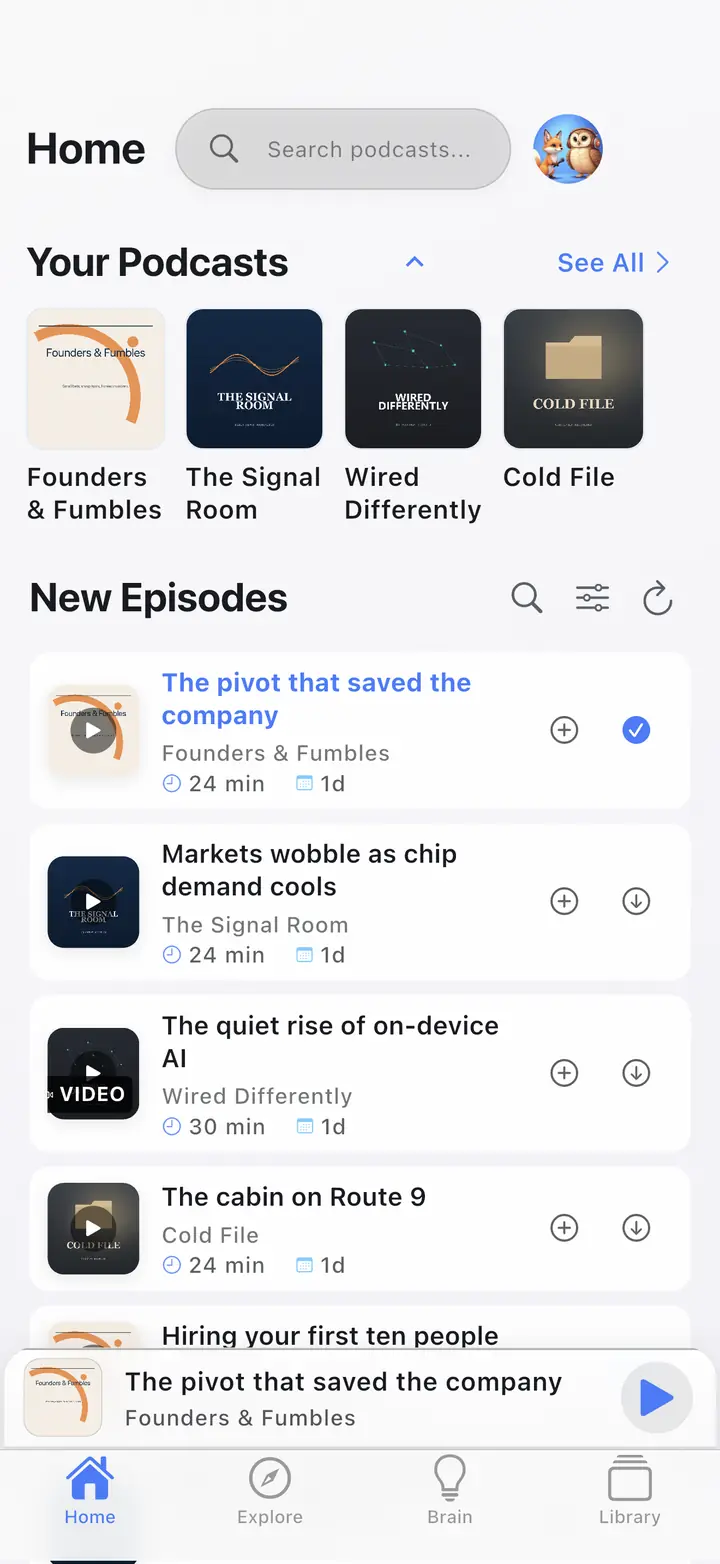
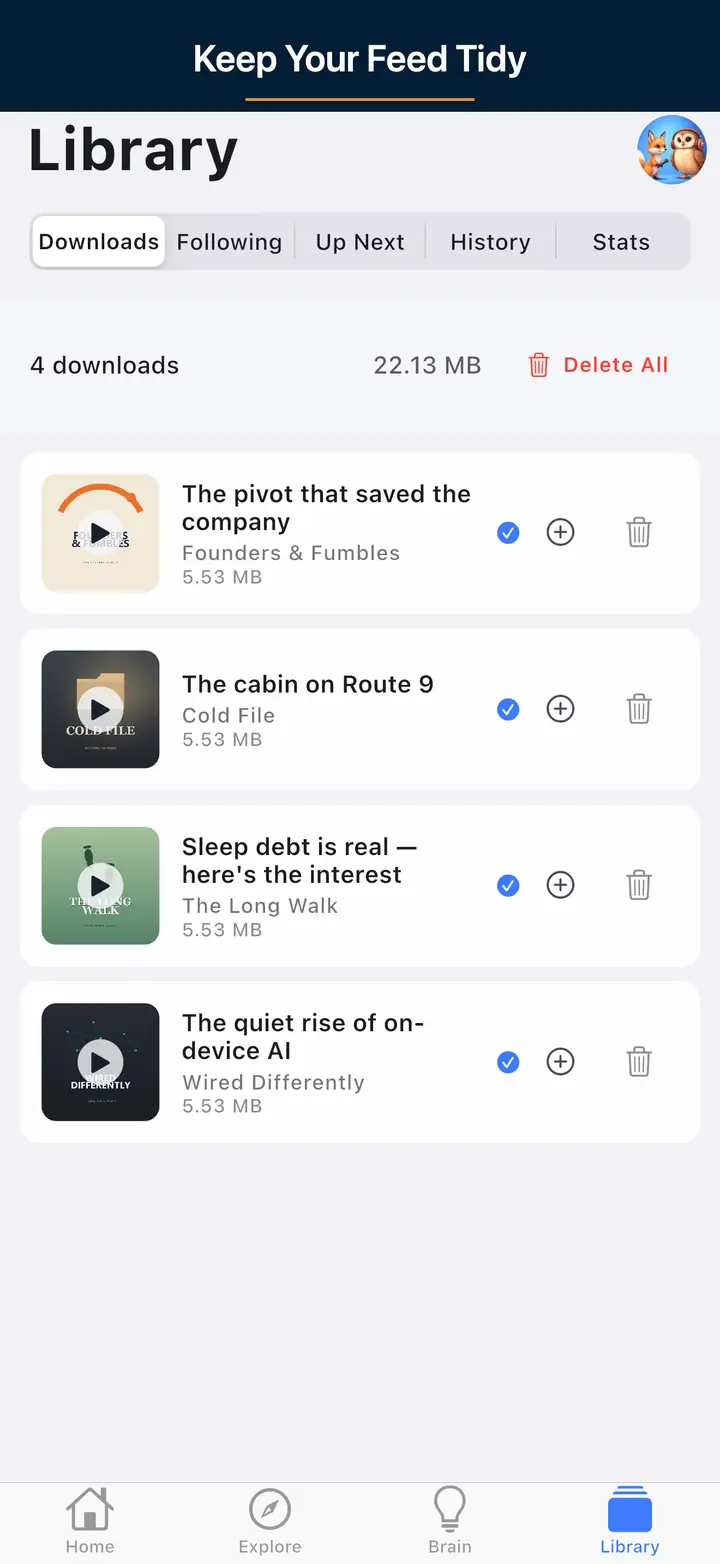
These are real screens from the app, not mockups. Every menu, button, and label is translated, so the app looks like this as soon as you install it.