
The loop
One problem query. Two episode samples. Unsubscribe fast. Then chase guests, not a top-100 list.
How to listen for free: charts are a starting map, not a quality score. Open-catalog search, follow, and unlimited offline downloads are free on The Podcast App. A paid plan lifts usage caps — it does not unlock discovery or downloads. No app-inserted ads. Host mid-rolls already in the file may still play.
Last updated: September 22, 2026
| Path | Use when | Then |
|---|---|---|
| Search + subscribe | You know the show | Download on Wi‑Fi |
| OPML import | You already have a library | Verify feeds, then offline |
| Category / charts | You want a starting lane | Finish one show before adding five |


One problem query. Two episode samples. Unsubscribe fast. Then chase guests, not a top-100 list.
Unlimited offline downloads are free. Download the sample on Wi-Fi. A paid plan does not sell a bigger download bucket.
Podcast Brain searches episodes you already heard. It is not how you find a show you have never opened.
Install a podcast app, search for a show, tap Subscribe, press play. Most podcasts are free public feeds, so listening costs nothing. The Podcast App runs on iPhone, iPad, and Android phones and tablets, and needs no account to start.
Where can I listen to podcasts? In a podcast app on your phone or tablet, or on a show’s own website. The Podcast App is on the App Store and Google Play. It has no web, desktop, or TV player. Unlimited offline downloads are free, and a paid plan does not change that.
Most “find new podcasts” pages dump charts and call it a guide. Charts measure distribution and marketing. They do not tell you whether you will finish episode two. Treat discovery as a funnel with an exit.
Type the job: “salary negotiation,” “sleep apnea myths,” “first-time homebuyer.” A named guest beats “best business podcasts.” Apple documents the same habit in Find podcasts on iPhone — search, then browse. Do that in any open catalog, including The Podcast App.
Skip episode one from 2014 unless the show is a serial. Pick a recent titled week and one mid-catalog episode with a guest you already respect. If the tone fails — too clubby, too recap-heavy, too much host-read sprawl — unsubscribe. Guilt is not a library.
One seed show you finish → three guest-crossover or network-sibling shows → unsubscribe two after a week. Do not follow five new feeds from a single social clip. Charts stay a map you glance at. The loop is the product.
Top Charts reward shows that already won distribution. Niche RSS feeds with a tight audience never live there. That is not a secret algorithm. It is how popularity lists work on Apple Podcasts, Spotify, and every clone. Use charts to see what is loud this week. Do not treat rank as a quality score.
Edison Research measures who listens in the US. Podnews tracks industry moves. Neither will tell you whether a specific host’s cadence survives your commute. Our own Podcast Health Report tracks how many shows go quiet by genre — useful when you are about to follow a feed that already stopped publishing.
This page will not hand you a fake “teens vs introverts” app list, a city farm, or a recycled top-100. Those templates are how a site gets treated as scaled content. The three curated genre guides we maintain are comedy, true crime, and storytelling. Named shows live there. This guide is the method that feeds them.
The open podcast web is RSS. Directories index it. Players subscribe to it. Walled catalogs are optional, not the only door.
Podcast Index and Listen Notes search across hosted feeds, including independent shows the largest platforms do not promote in their own surfaces. The Podcast App search queries Podcast Index as the primary catalog, with Apple search in parallel. Listen Notes is a separate public search engine you can use in a browser. A specific query — subgenre, guest, or episode title — beats a mood playlist that only reshuffles chart weight.
If you already follow shows in Apple Podcasts, Pocket Casts, Overcast, or AntennaPod, export OPML and import it on Switch. The OPML export guide is the same portability story. A paid plan is not required to move a library. Search stays free after you land. If a feed or cover looks wrong in that file, check it with the free RSS, cover-art, and OPML tools.
Unlimited offline downloads are free. Download tonight’s sample on Wi-Fi, confirm the file finished, then leave the network. That is how you give a show a fair commute without burning data. See how to listen without Wi-Fi. A paid plan does not unlock a larger download pool.
The Podcast App is a podcast-first player with an Explore tab. Search sits on that surface. Rows include Top Picks, Trending, Because You Followed, Because You Listened, and AI Picks. Those rows use what you follow and what you finish. They are not a social graph of friends, not a playlist folder system, and not an in-app voice assistant.
Search, subscribe, queue, and stream stay on the free core. AI Picks are a recommendation surface with a daily allowance — they are not a paywall on search or follow. Soft free AI caps are an allowance so you can try Brain tools. They are not a lock on listen. Score the player itself on best podcast app 2026 and Compare.
Find a show, follow it, download the episode, play it. Podcast Brain is free with usage caps. Use it as recall after you have heard something worth asking about.
Podcast Brain is free with usage caps on eligible transcript-backed episodes you already heard: ask, summaries, chat. That is recall. It will not invent a catalog of shows you never opened. Do not upgrade to “unlock discovery.” Discovery is search plus the loop. The paid layer is more Brain usage, not more downloads and not a secret Explore mode.
The same boundary lives on the free podcast app page: unlimited offline downloads are free. A paid plan does not unlock the player.
The app does not insert banners, feed units, or its own ad audio between episodes. Host-read mid-rolls and other publisher ads already in the episode file still play. If a clip plays in another RSS client, it is in the file. We play the file as published. That is the same claim on no app-inserted ads and the player without app-inserted ads.
Use a list when you already know the lane. Use this page when you do not. After you pick a show, sample two episodes and prune. Do not subscribe to a whole grid.
These are captures from the shipping app, not mockups. Home, player, downloads, Brain. Explore search lives in the same install. Unlimited offline downloads are free. Podcast Brain is free with usage caps.
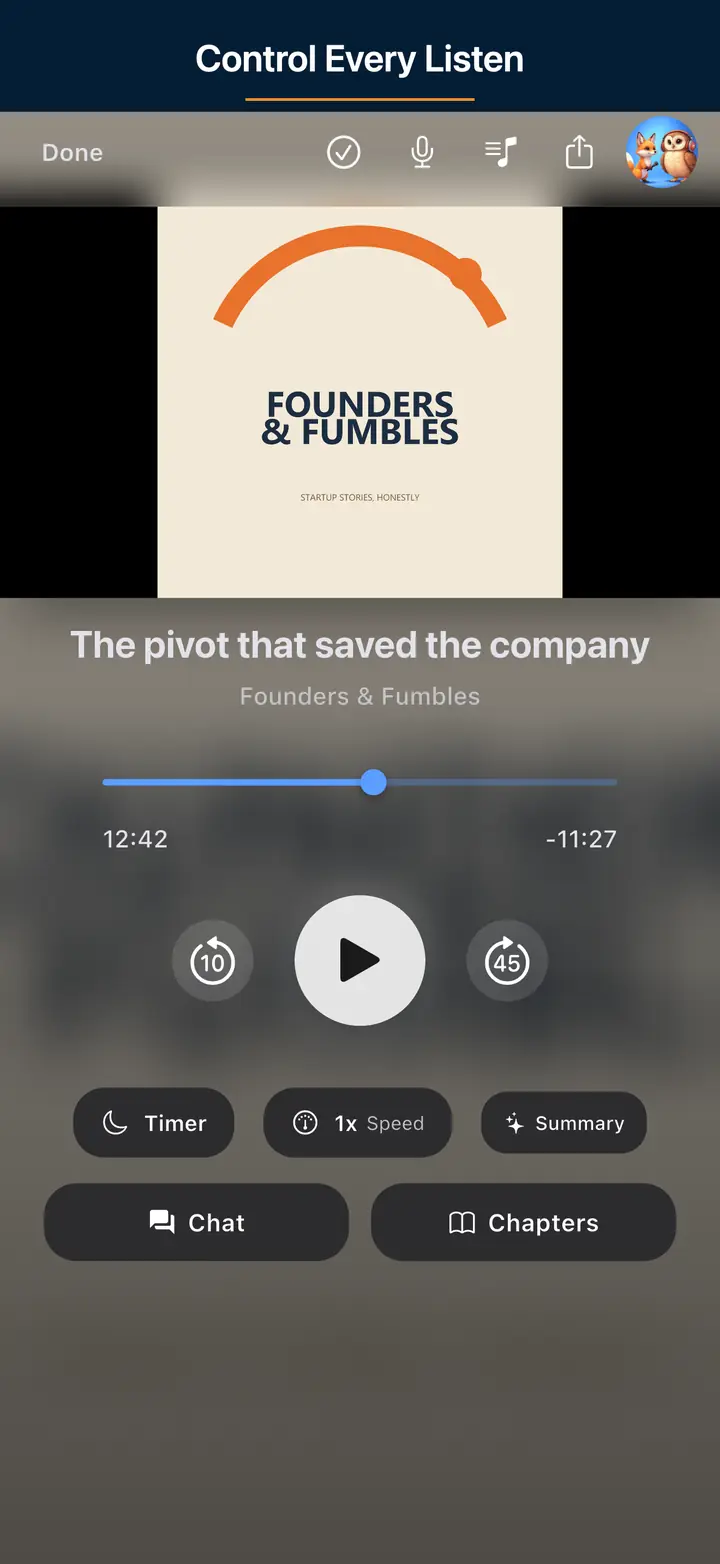
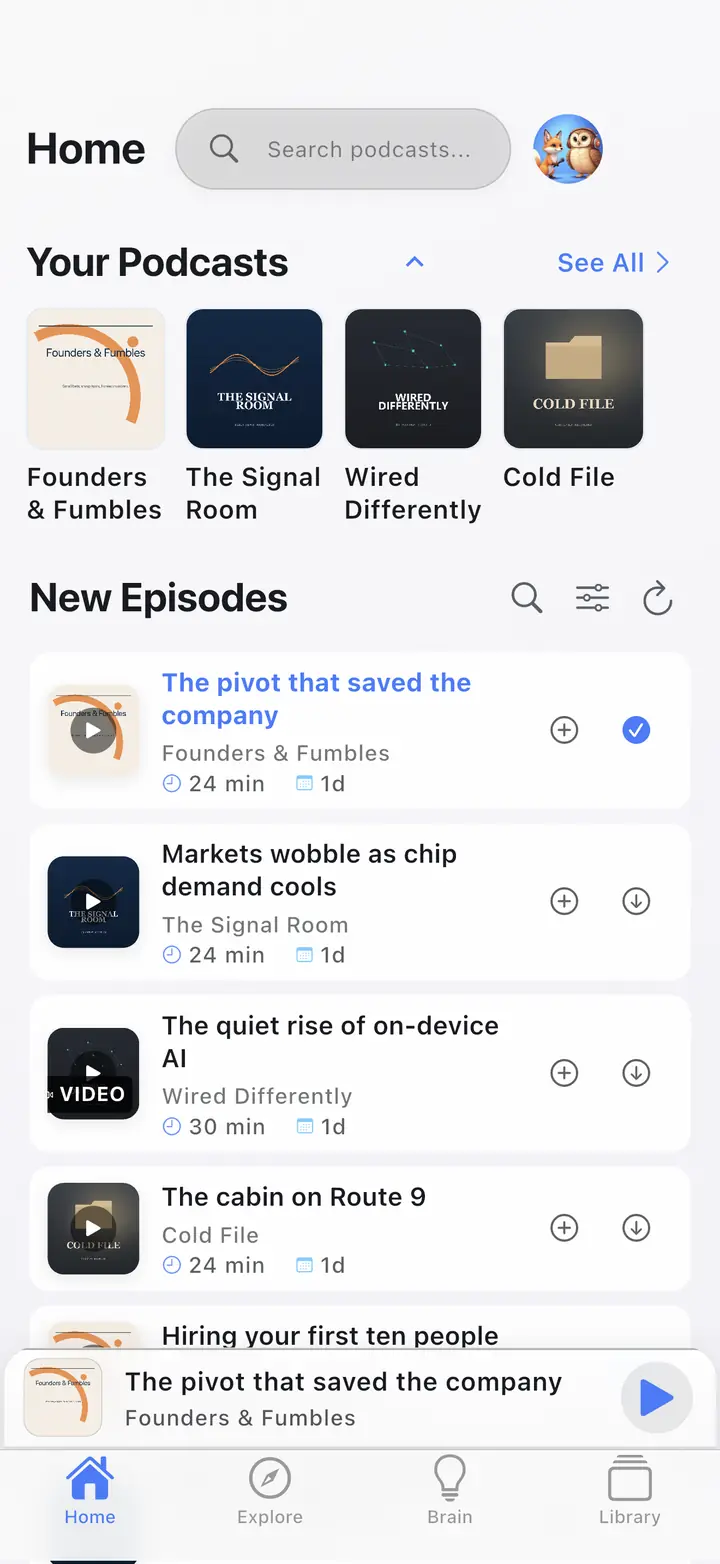
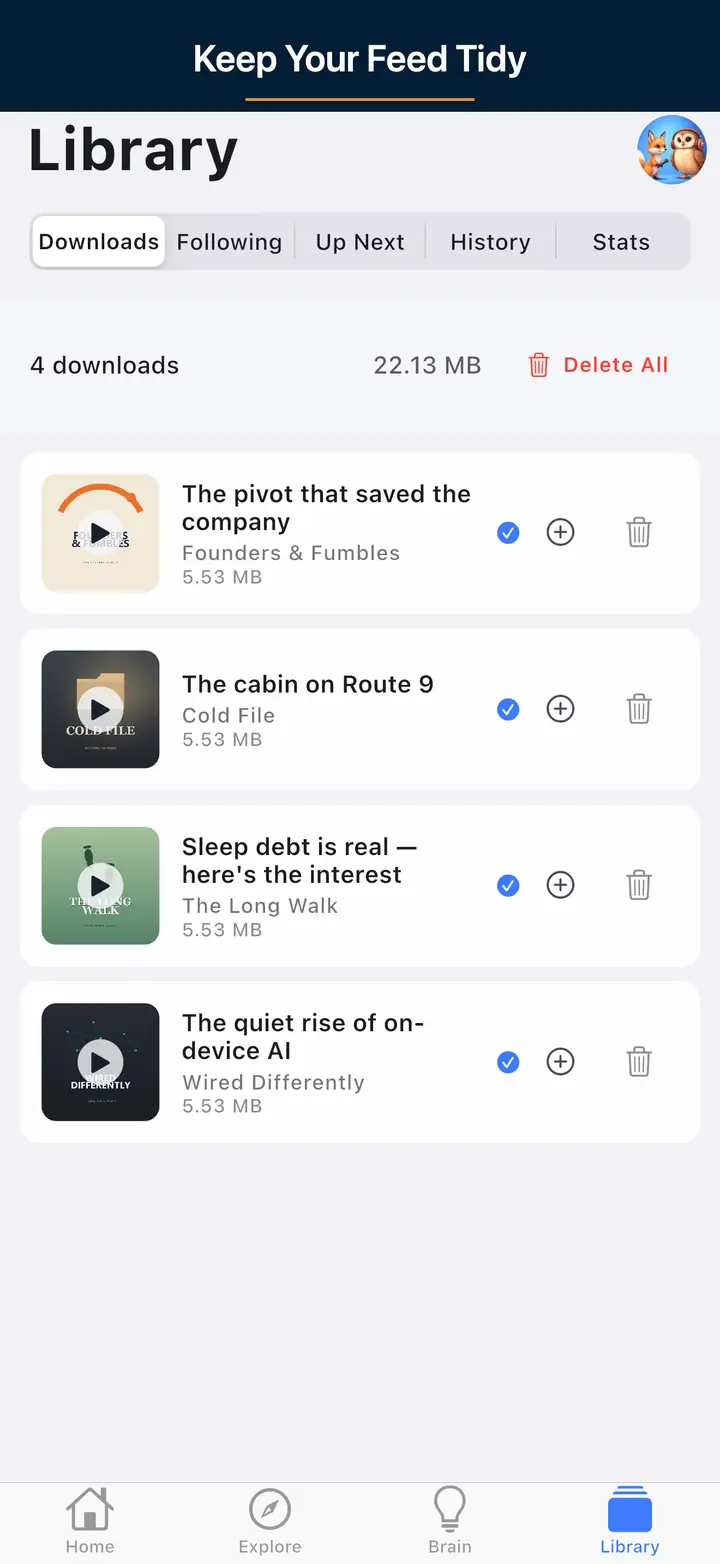
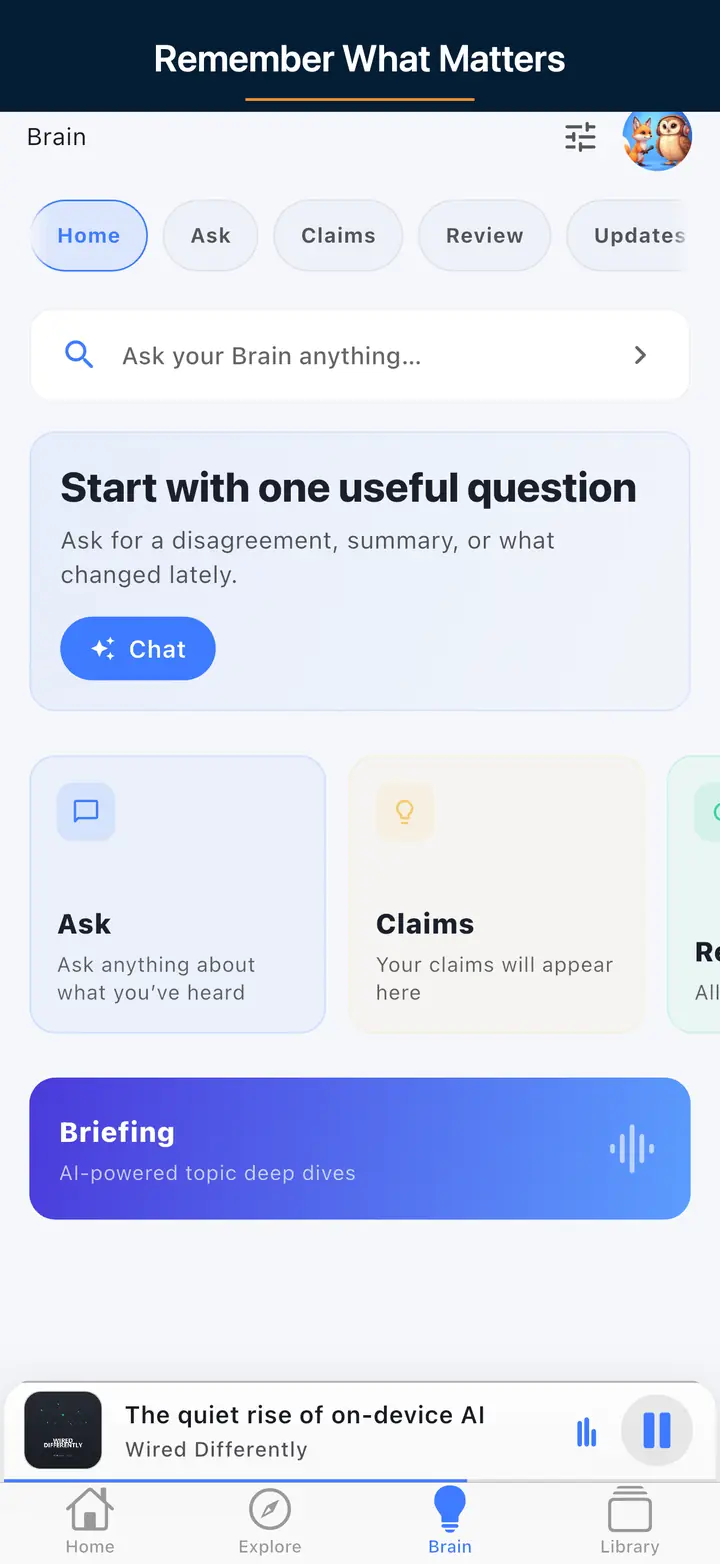
Search a specific problem, sample two episodes, then unsubscribe if the tone fails. Charts are a starting map, not a quality score. Expand from a seed show via guests and host networks. In The Podcast App, search the open catalog, follow, and use Explore recommendations. Unlimited offline downloads are free, so you can sample on a commute.
Search the topic, guest, or subgenre — not Top Charts. Open directories such as Podcast Index and Listen Notes index RSS shows the largest platforms may not promote. The Podcast App search queries Podcast Index as the primary catalog, with Apple search in parallel. Follow one seed show you already finish, then chase overlapping guests.
Yes. Independent players and open indexes cover the RSS ecosystem. If you already have a library, export OPML from Apple Podcasts, Pocket Casts, or Overcast and import it on Switch. You do not need a Spotify account to subscribe to an open RSS show.
No. Search, subscribe, queue, stream, and unlimited offline downloads are free. A paid plan lifts usage caps. It does not unlock discovery, subscribe, or a larger download pool.
No. The app does not insert ads into the UI, player, queue, or feed. Host-read mid-rolls and other publisher ads already in the episode file may still play.
No. Podcast Brain is free with usage caps on eligible transcript-backed episodes you already heard — ask, summaries, and chat. That is recall, not a new-show finder. New-show discovery is search, Explore, and the sample-prune loop. Soft free AI caps are an allowance, not a lock on listen or subscribe.
In a podcast app on your phone or tablet, or on a show’s own website. The Podcast App is on the App Store for iPhone and iPad and on Google Play for Android. It has no web, desktop, or TV player.
Install a podcast app, search for the show, tap Subscribe, and press play. In The Podcast App on Android or iPhone, use Search podcasts, tap the show, tap Subscribe, then tap an episode. No account is needed to start.
On Wi-Fi, tap Download episode, then check that it finished in Downloads. Play it from Downloads with no signal, including in airplane mode. Unlimited offline downloads are free in The Podcast App. Device storage is the only limit.
A paid plan lifts usage caps — recall, not a discovery unlock. No app-inserted ads. Host mid-rolls may still play.